When shadcn/ui proved that copying components beat installing packages, it was only a matter of time before someone built a store on top of it. Skiper UI offers 106+ visual components for React and Next.js that install with a single shadcn CLI command: some free, the most impressive ones paid. The real question is not whether they look good. It is whether they are worth paying for.

TL;DR: The No-Nonsense Summary
- 106+ visual components: a collection of effects and microanimations for shadcn/ui and Next.js. The official site describes each component as one file with "no extra packages," while also listing Motion.dev in its stack.
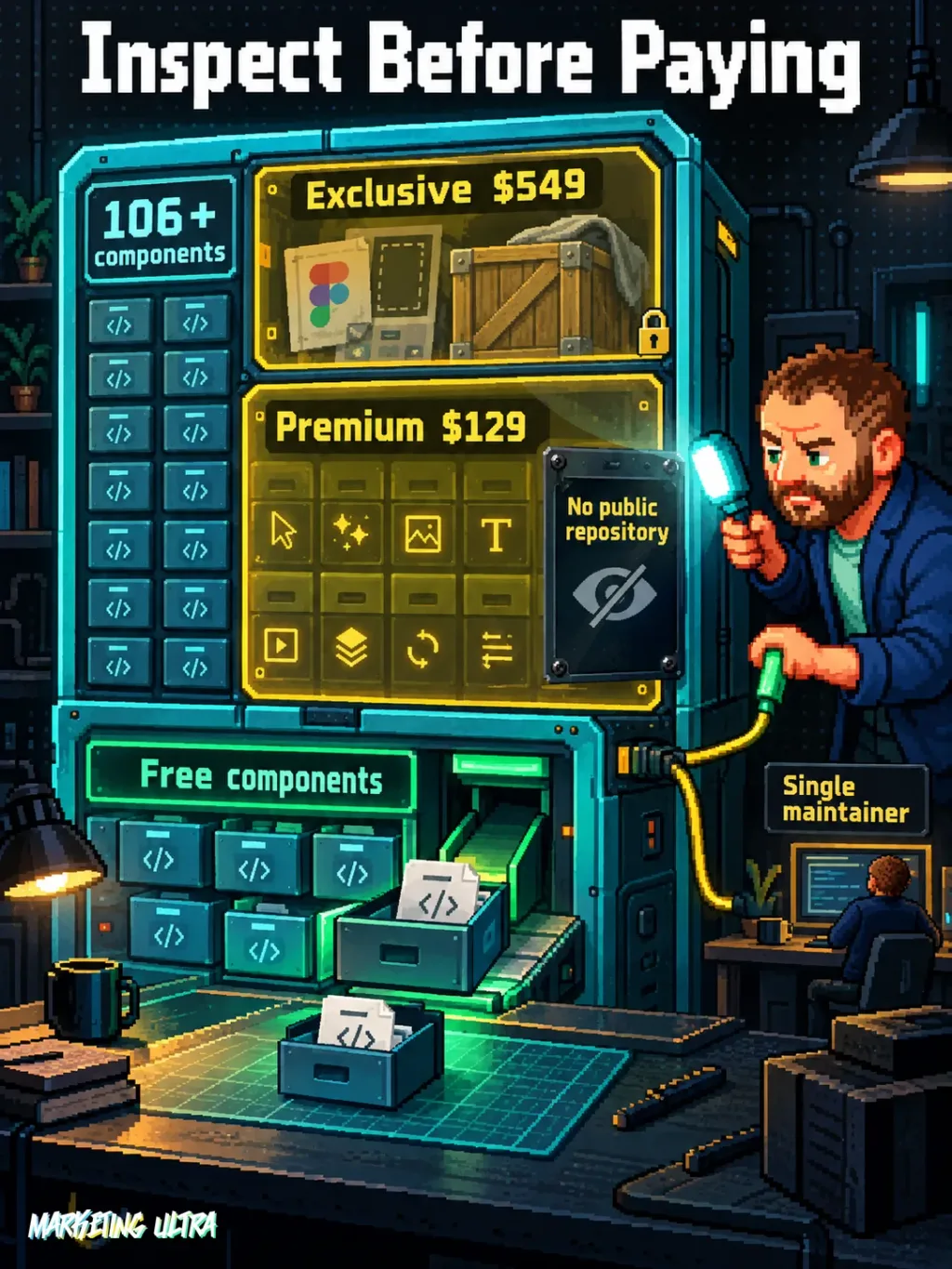
- Price: $129 (Premium) or $549 (Exclusive), one-time payment in USD. No official EUR pricing as of this review.
- Repository visibility: the official site and public documentation reviewed do not link to a public repository. You pay before seeing the premium component code.
- Named founder: the site names Gxuri as founder and credits Gxuri with design and development, but does not document the maintainer count.
In this article
| What it is | Visual components and effects for React interfaces. |
|---|---|
| Official website | https://skiper-ui.com/ |
| Platforms | Web (browser access, components for Next.js projects) |
| Requirements | shadcn CLI; free or paid plan (Premium $129 or Exclusive $549) |
| Integrations | shadcn/ui, Next.js, Motion.dev |
Reviewed on 2026-09-23
This tool is included in these collections: React UI Libraries and Components for Building Websites with AI
The Problem It Solves
Building an interface with advanced visual effects, scroll animations, image reveals, cursor trails, animated tooltips, takes hours of custom development or dragging in heavy dependencies that break on update. Small teams and freelancers building landings or portfolios with Next.js keep hitting the same wall: the shadcn/ui foundation is clean but understated, and the leap from “functional” to “impressive” costs time they do not have.
Skiper UI targets exactly that. It is a collection of premium and free components built on top of shadcn/ui and Next.js, with Motion.dev as the animation engine. The site describes each component as one file with "no extra packages," while listing Motion.dev in its stack. One command and the effect lands in your project as a local file.
The stated inspiration is Rauno Freiberg’s Devouring Details, and it shows: the focus is microanimations with attention to detail, not flashy gimmicks. That said, most of the components that actually turn heads are behind a paywall.
Getting Started
Skiper UI installs using the standard shadcn/ui flow: one terminal command and the component appears as a local file in your project, ready to customize.
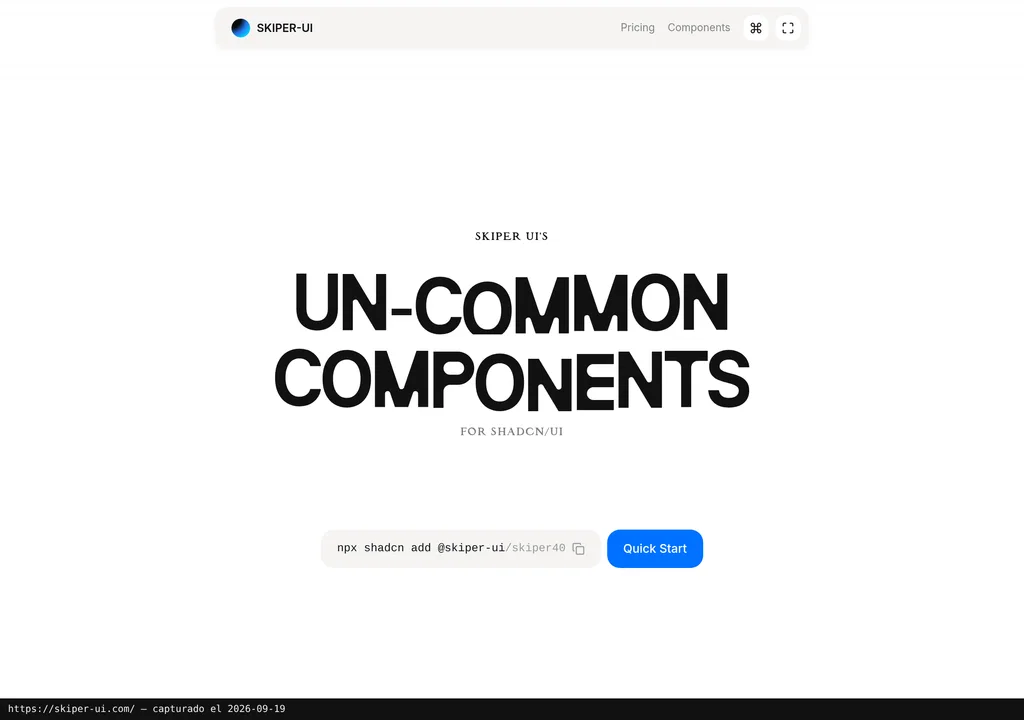
The base command:
npx shadcn add @skiper-uiRequirements: a project with Next.js and shadcn/ui configured. The site also lists Motion.dev in its stack, despite describing the components as needing "no extra packages." It does not clarify whether the CLI installs Motion.dev automatically or whether you need to add it manually, so keep an eye on that.
The official catalog labels Dynamic Island as a free component. For the premium ones (Image Reveal, Hover Members, Things Drag and Scroll, Vercel Tooltip, Image Cursor Trail and more) you need one of the two paid plans:
- Premium ($129): one-time payment. All premium components, early access, option to request new components, and lifetime updates.
- Exclusive ($549): everything above plus a Figma file and complete web templates (marked as “Coming Soon” as of this review, September 2026).
Both prices are in US dollars. The provider does not publish EUR pricing or an official conversion rate, so the final cost will depend on the exchange rate on the day and any fees from your payment gateway.
Copy this and paste it into Claude Code, Cursor, or your favorite coding assistant:
Review the Skiper UI documentation at https://skiper-ui.com/. Install a free component in my Next.js project with shadcn/ui using npx shadcn add @skiper-ui and show me the result integrated on the home page.
No coding knowledge required. The assistant handles installation, configuration, and testing.
MCP for Skiper UI
I could not find an MCP server or an official integration with coding agents such as Claude Code, Cursor, or Windsurf on the Skiper UI website or in the public documentation reviewed.
The documented shadcn command can be run from a terminal, so a coding agent with terminal access may be able to use that route. I have not independently tested it with every assistant. I also found no documented MCP server for listing components, querying documentation, or previewing results from inside an agent.
For a library aimed at developers working with the cutting edge of the React ecosystem, the lack of MCP integration feels like leaving something on the table. As I explain in the guide on AI agents applied to campaigns, tools that offer direct integration with coding assistants are gaining serious traction. It is only a matter of time before that becomes a real differentiator.
Using It in Real Marketing
Where does it fit for a marketing team or an agency? On landings, portfolios, or microsites that need that visual edge separating “a page that works” from “a page that converts.”
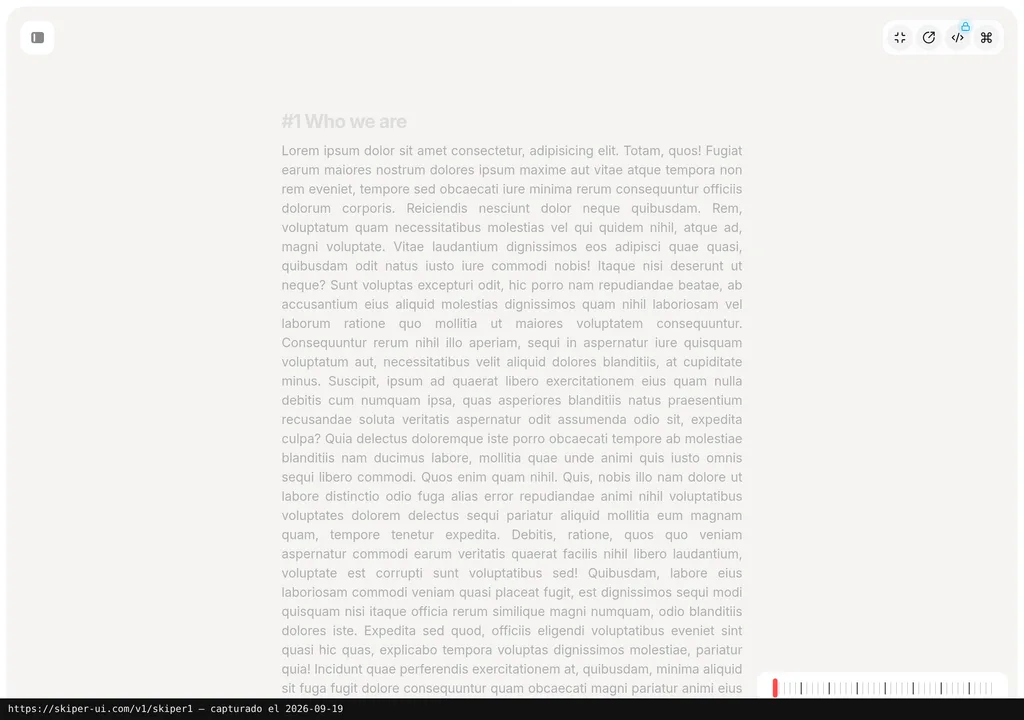
The scenario: you are building a launch landing with your coding agent. You need a reveal effect on the hero image, an animated tooltip for the pricing table, and an interactive scroll for the features section. Without Skiper UI, that means hours of custom development or scattered dependencies. The documented model gives you one local file per component, but the available documentation does not establish whether other abstractions remain involved.
I do not have documented proof with measurable results. And I am not going to make any up.
What the documentation does support is the one-file-per-component model. The site says "no extra packages," although it also lists Motion.dev in its stack. On paper, that gives a coding agent a local file to modify without having to wrestle with the internals of someone else’s library. It is the same practical advantage discussed in this guide to UI component libraries for building websites with AI, but it should not be mistaken for proof of how Skiper UI performs with agents.
What They Do Not Tell You
The elephant in the room: the official site and public documentation reviewed do not link to a public repository. That means you cannot audit the premium component code through those sources before paying. In an ecosystem where shadcn/ui succeeded precisely because it was open and transparent, that lack of visibility feels off. Quite a bit, actually.
Then there are the numbers: 106 components sounds like a lot, but the website does not make clear how many are free versus premium. Among the examples visible on the homepage, premium components outnumber the free ones. That is not a full catalog count, so check the components you need before paying.
The templates in the Exclusive plan ($549) are marked as “Coming Soon.” Paying $549 for features that do not yet exist is an act of faith. Until they ship, the real difference between Premium and Exclusive comes down to the Figma file.
The site names Gxuri as founder and credits Gxuri with design and development, but it does not document how many people maintain the project. That leaves the continuity risk difficult to judge. Since the components are local files, nothing breaks immediately if updates stop, but the site lists Motion.dev in its stack, and APIs change.
My bet is that the biggest real risk is none of the above: it is that you pay $129 and discover the components you actually need are not there. 106 sounds like a broad catalog, but the coverage of marketing use cases, forms, pricing tables, testimonial sections, product comparisons, may be more limited than the number suggests. The collection seems oriented toward designer portfolios and eye-catching visual effects, not conversion-focused components.
Verdict
Skiper UI solves a real problem cleanly: one local file per component. The site advertises "no extra packages," while also listing Motion.dev in its stack. The local-file model fits the coding-agent workflow.
But the drawbacks carry weight. The official site and public documentation reviewed do not link to a public repository, the templates are still marked as “Coming Soon.” The site names Gxuri as founder and credits Gxuri with design and development, but does not document the maintainer count. The pitch asks for a fair bit of trust. And the open-source ecosystem has taught us not to give that away for free.
My recommendation? If you work with Next.js and shadcn/ui and need advanced visual effects for a specific project, the $129 Premium plan can save you more hours than it costs. If you are looking for conversion-focused components for marketing landings, check Magic UI first, it is free, open source, and has a fairly broad catalog of animated components. Decide whether what Skiper UI offers on top of that is actually worth it for you.