Confidential meetings should not end up sightseeing across someone else’s servers. Meetily is an open-source meeting assistant that records and transcribes on your own computer, and can also summarise there if you choose a local model. It is built for people who put data control first and accept a more demanding setup than simply opening an account with a web service.

TL;DR: The No-Nonsense Summary
- Local privacy: recording, transcription and storage can stay on your computer.
- Open source: the Community edition is MIT-licensed and works with Whisper or Parakeet.
- Serious requirements: it needs at least 8 GB of RAM, four CPU cores and 10 GB of storage.
- The decisive limitation: Linux requires building from source, and some advanced features belong to Pro.
In this article
| What it is | An open-source meeting assistant that records and transcribes with Whisper without adding a bot to the call. Data stays on your computer when summaries are also generated with a local model. |
|---|---|
| Official website | https://meetily.ai/ |
| Repository | repo |
| Licence | MIT |
| Price | freemium |
| Alternative to | Otter.ai, Fireflies.ai |
| GitHub stars | 30,997 |
| Launch year | 2024 |
| Maintained by | Zackriya-Solutions (organisation) |
| Platforms | macOS, Windows, Linux (from source), self-hosted |
| Requirements | 8 GB RAM, 4-core CPU, 10 GB storage, Node.js 18+, Python 3.10+, FFmpeg; optional GPU |
| Language | Multilingual support with automatic language detection; English interface |
Reviewed on 2026-09-25
This tool is part of the living roundup Open-source apps that replace paid software →
The Problem It Solves
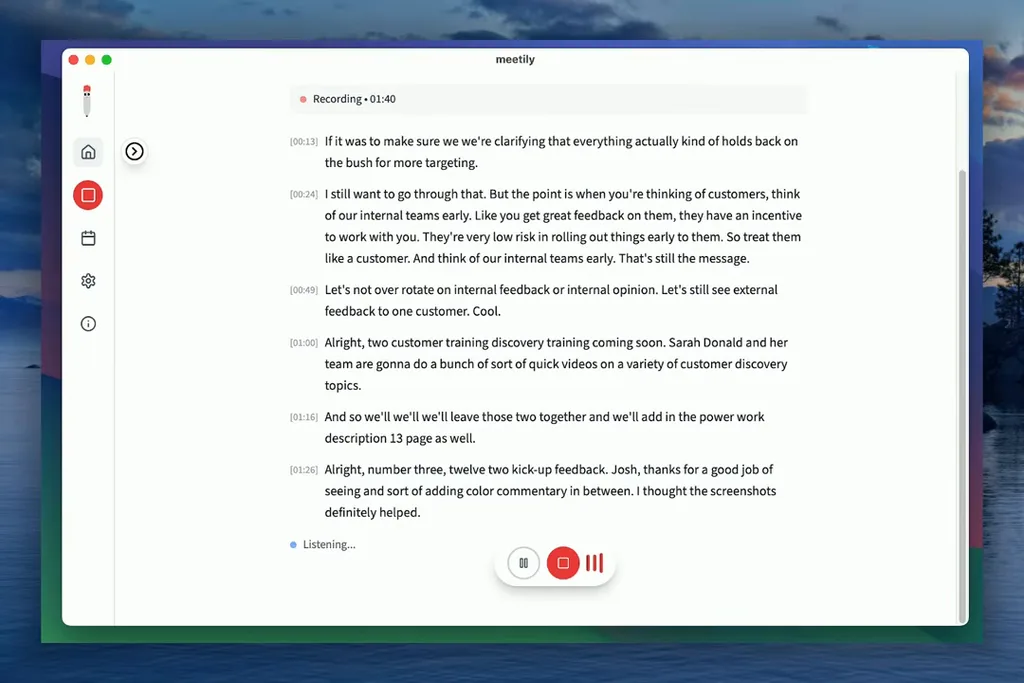
Meetily removes the need to rely on a platform that stores your meeting in its cloud for transcription. It captures microphone and system audio, creates a real-time transcript and can produce a summary through a local model or a provider chosen by the user.
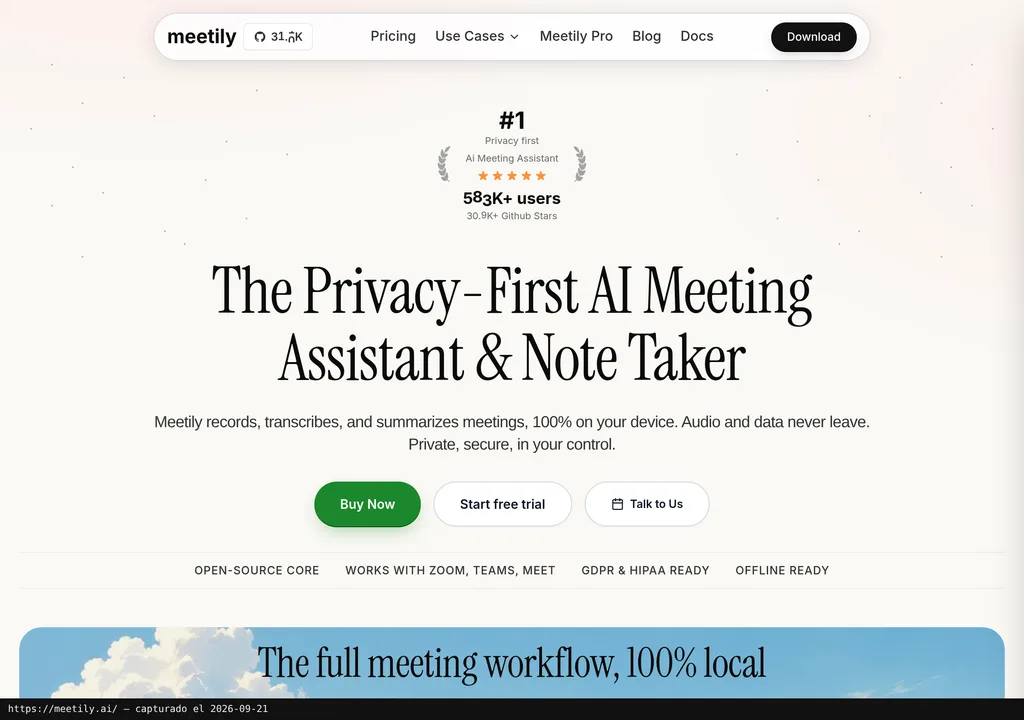
The practical difference is control. According to the official Meetily website, it works with Zoom, Google Meet, Microsoft Teams and other apps because it listens to device audio: it does not need to add a bot to the participant list.
In plain English: Meetily is a local meeting assistant. It has no magical access to Zoom, nor is an invisible secretary sneaking in among participants. And do not confuse “no bot” with “no consent”. The fact that the app can record discreetly does not remove legal obligations or your company’s internal policies.
Getting Started
Windows and macOS have ready-made packages; on Linux, you need to build the app from source. The official Meetily repository publishes the MIT-licensed code, while downloadable versions are distributed from its releases page.
On Windows, download and run the x64 installer. It needs an AVX2-compatible x64 processor; the standard package uses a Vulkan build of Whisper. On macOS, download the DMG for ARM architecture, open it and drag Meetily into Applications.
Linux is another story. You need to clone the repository, install the front-end dependencies, run the appropriate build script, and have Rust and Node.js ready. It is not an engineering feat. It is also not “next, next, finish”.
The published minimums are 8 GB of RAM, a four-core CPU and 10 GB free, plus Node.js 18+, Python 3.10+ and FFmpeg. A GPU is optional: macOS uses Metal and CoreML, Windows includes Vulkan, and Linux depends on how it is built. CUDA acceleration requires a source build prepared with NVIDIA’s tools.
Copy this and paste it into Claude Code, Cursor or your favourite coding assistant:
Check my system and install Meetily from https://github.com/zackriya-solutions/meetily following only its official documentation.
Configure local transcription and summaries with Ollama, without sending data to external services.
Run a 30-second test, verify that it saves audio and transcripts locally, and explain how to uninstall it.
The assistant can guide you. Review every step and result, especially if you build the app from source.
Using It in Real Marketing
A sensible use case for a marketing team is a client interview, campaign review or strategy meeting containing information you do not want scattered across half the cloud. Meetily can capture the audio, transcribe it and turn it into a summary with action items.
Be aware: that is a usage scenario. Marketing Ultra has not conducted an independent test, and Dani does not claim to have used it either. Promising a specific accuracy level would be rather misleading. Results will depend on the transcription model, hardware, noise, accents and audio quality.
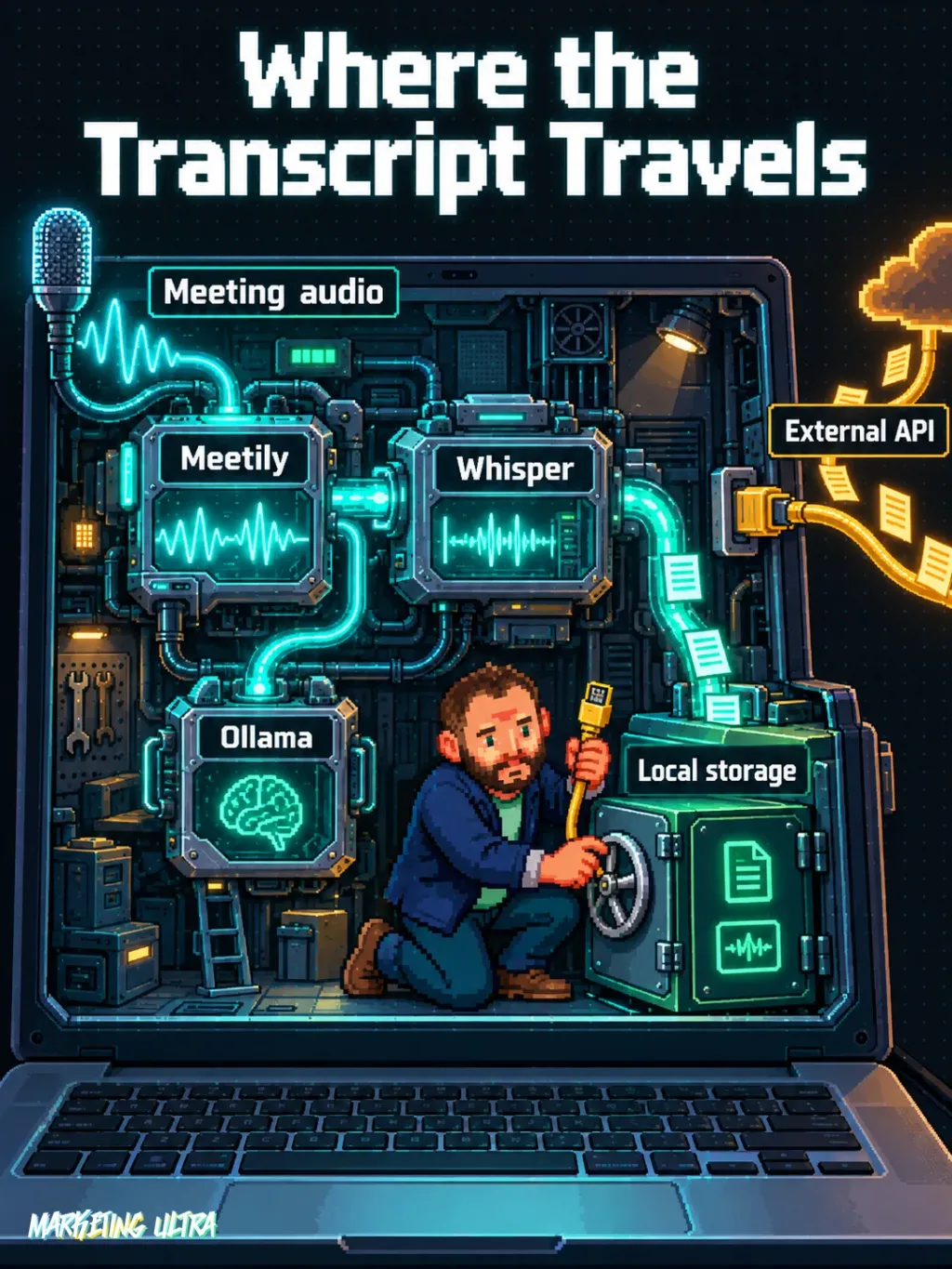
For summaries, Ollama can keep the process local. Claude, Groq, OpenRouter and OpenAI-compatible endpoints are also listed, but then transcript text may be sent to the chosen provider. Local only means local while the entire chain remains local. It sounds obvious, until someone pastes in an API key and it stops being true.
What They Do Not Tell You
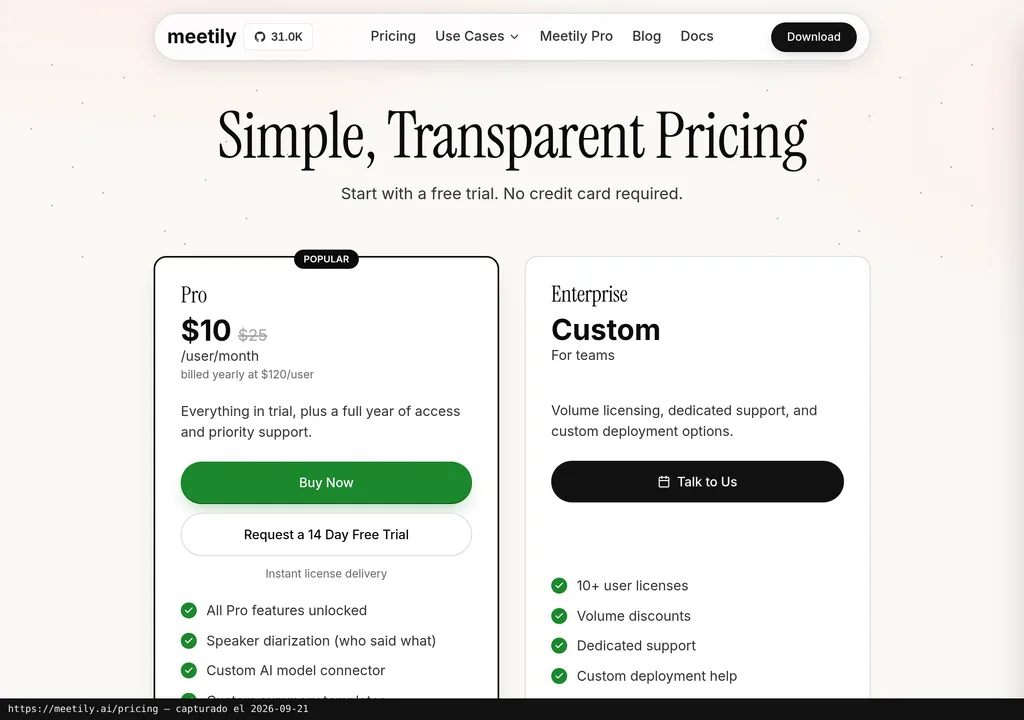
The Community edition is free and open source. Meetily also has a Pro edition with different code and advanced features. The documentation reserves items such as greater accuracy, custom templates, advanced exports, automatic meeting detection and speaker separation for Pro.
The website lists Pro pricing only in US dollars. Since the dossier does not provide an official, dated conversion into euros, it would be wrong to make up a EUR figure using a back-of-the-envelope exchange rate. Before subscribing, check the current Meetily Pro pricing, its billing terms, per-user basis and applicable taxes.
There is another point of friction: the documentation mixes Community and Pro messaging. Some features are listed as available, planned or restricted to another edition. Speaker separation is the clearest example. Before choosing a version, check exactly what the release you plan to install includes.
There are also no verified social reviews, reviewed videos with a useful timestamp, or controlled comparisons in the dossier. Star counts describe repository popularity, not transcription quality, audited security or user satisfaction. Thirty thousand stars look great in a headline. They do not replace a test with your own audio.
Alternatives
The alternatives identified in the fact sheet are Otter.ai and Fireflies.ai. The material presents them as cloud-based meeting services compared with Meetily’s local approach, but provides no independent comparison of accuracy, limits or current pricing.
The choice is fairly straightforward. Want instant convenience and no maintenance? Compare those options against your privacy requirements. Need recordings and transcripts to remain under your control? I would try Meetily first. No zealotry: an open licence does not fix a poor transcript or make a complex installation simple.
Verdict
Meetily’s appeal is easy to grasp: it transcribes meetings without forcing you to hand audio over to an external platform. The Community edition is MIT-licensed, works without adding a bot to the call and lets you pair Whisper with Ollama. For freelancers, agencies or teams handling sensitive conversations, that makes plenty of sense.
I would try it first on Windows or macOS, with representative recordings and a written record of where each piece of data goes. Roll it out casually to an entire team without checking the hardware, consent, subscribed edition and summary provider? Absolutely not.
Meetily gives you control back, sure. What do you do with it next? Installing a private tool and sending the transcript to any old API would be like buying a safe and leaving the key in the lock.