Text and a button can only carry a landing page so far. Then come the animations, transitions and the frontend bill. Aceternity UI is a library of over 200 React components with built-in animations, built to put together pages that impress without hand-coding every effect. On paper, it cuts out a lot of that work. The details matter.

TL;DR: The No-Nonsense Summary
- What it is: A library of 200+ React components with copy-paste animations, built with Tailwind CSS and Motion.
- Who it's for: Teams already using React and Tailwind that need polished landing pages without building animations from scratch.
- What sets it apart: Includes an MCP server so an AI agent can assemble full sections for you.
- The main catch: Unverified public pricing, no visible open repository, and total dependency on the React + Tailwind ecosystem.
In this article
| What it is | Visual effects and sections for React-powered websites. |
|---|---|
| Official website | https://ui.aceternity.com/ |
| Platforms | Web (React component library for web projects) |
| Requirements | React, Tailwind CSS and Motion |
| Integrations | MCP server (compatible with AI agents) |
Reviewed on 2026-09-22
This tool is included in these collections: React UI Libraries and Components for Building Websites with AI
The Problem It Solves
Building a landing page with decent animations in React has always been a slow and expensive process. Either you pay someone to code them from scratch, or you wrestle with animation libraries like Motion or GSAP and end up spending hours on effects that were never your core job. Hours you are not billing.
UI component libraries for building websites with AI have done a lot to democratize access to professional interfaces. But most stop at functional components: buttons, forms, cards. The visual layer, what makes a landing page feel premium, still belongs to specialists.
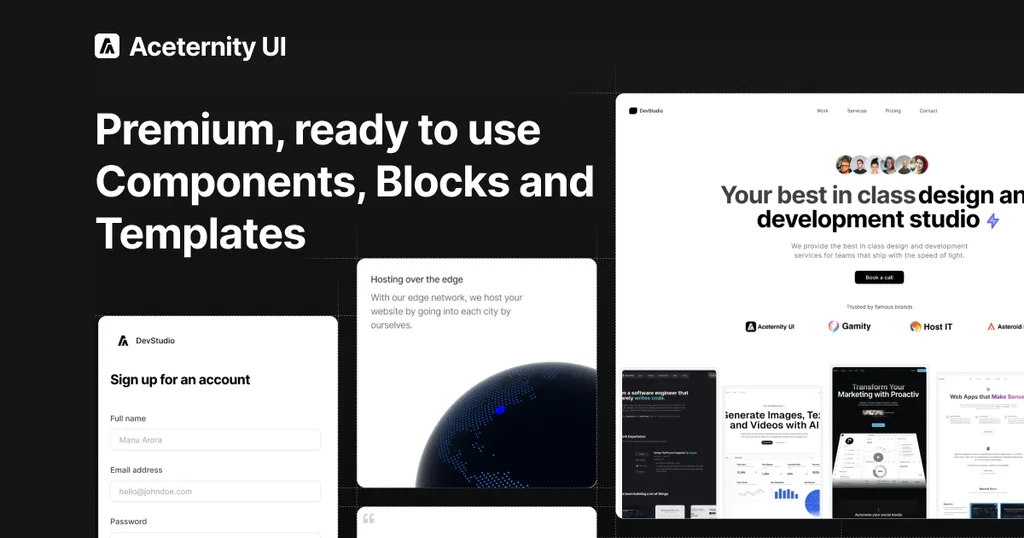
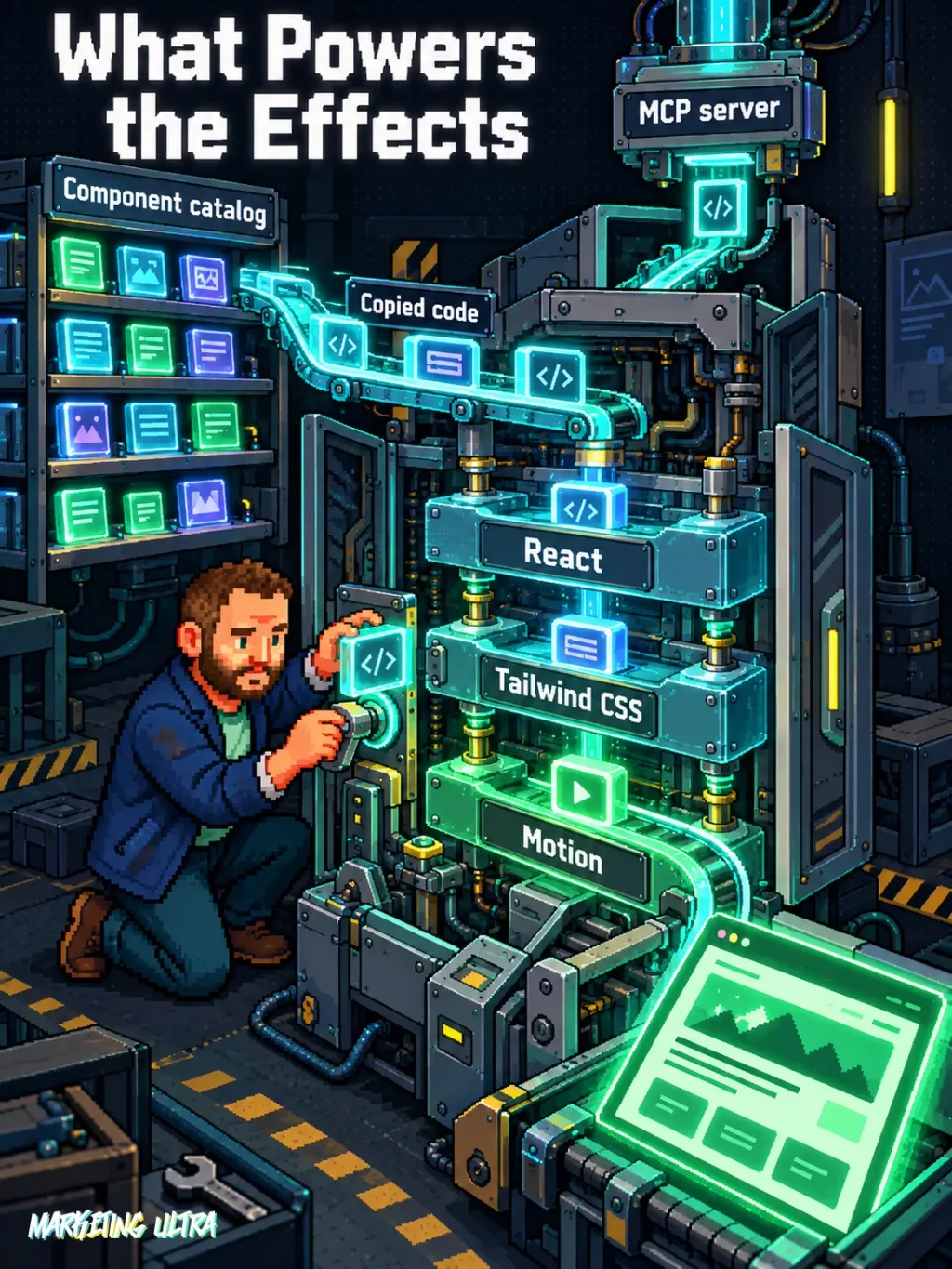
Aceternity UI targets that gap. According to its official website, it offers "200+ production-ready components, blocks and templates built with React, Tailwind CSS and Motion". The model is copy and paste: you pick the component, copy the code, and drop it into your project. The code becomes yours, with everything that implies.
Who benefits? Teams already working with React and Tailwind CSS but without the time or knowledge to code complex animations. The reviewed documentation covers React, Tailwind CSS and Motion; compatibility with other stacks has not been verified.
Simple as that.
Getting Started
The official website describes Aceternity UI components as built with React, Tailwind CSS and Motion. The reviewed home page does not provide explicit installation requirements, so check the current documentation before setting up a project.
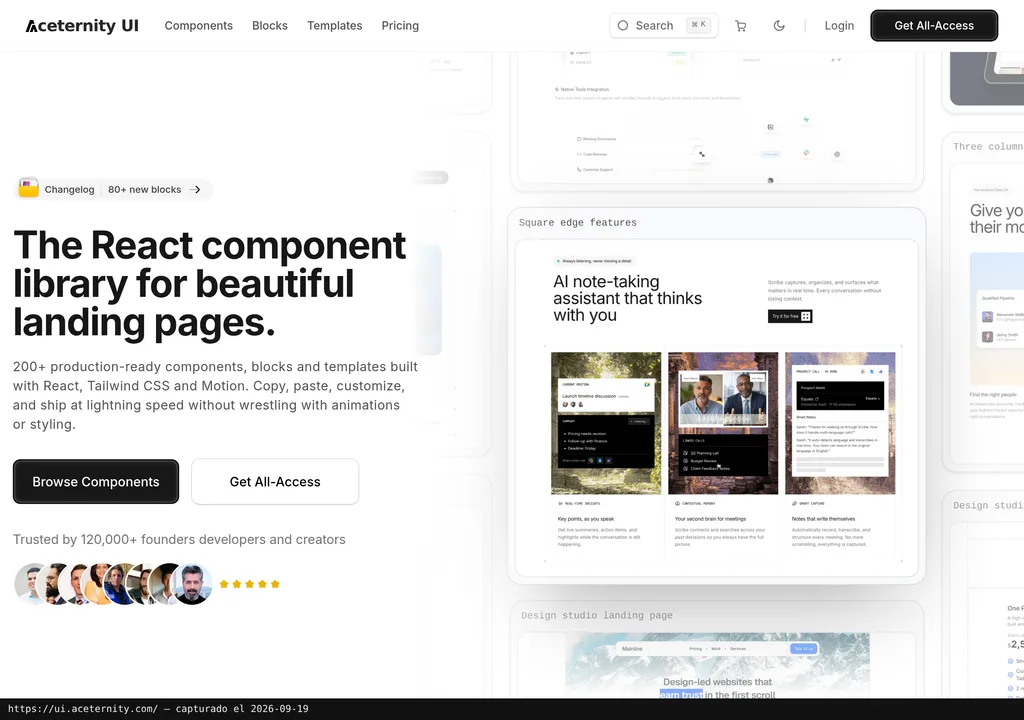
The flow is straightforward: go to ui.aceternity.com, browse the sections (Components, Blocks, Templates), pick what you need, and copy the code into your project. The official page documents a copy-and-paste model. It follows the same model that shadcn/ui popularized: you own the code from minute one.
Keep in mind what that means: every component you copy is code you maintain. If Aceternity fixes a bug or ships an update, it does not reach you automatically. That freedom comes with a maintenance bill.
MCP for Aceternity UI
Here is where it gets interesting. Aceternity UI offers an MCP server (Model Context Protocol) that connects AI agents directly to its component catalog. In their own words: "connect your AI agent to the Aceternity UI MCP server and let it build for you".
What does that mean in practice? The official material says you can connect an AI agent to the Aceternity UI MCP server and let it build for you. It does not name compatible agents or document the exact workflow. The guide to AI agents applied to marketing campaigns provides more context on this kind of agent-assisted workflow.
Copy this and paste it into an AI coding assistant connected to the Aceternity UI MCP server:
Connect to the Aceternity UI MCP server using its documented connection method. Then build a landing page with an animated hero section, a bento grid features section, and a minimal pricing block. Use only Aceternity UI components with Tailwind CSS and Motion.
You do not need to code the animations by hand. The assistant selects and integrates the components, though you will need a React + Tailwind project set up first (or ask the agent to scaffold it for you).
Heads up: the public documentation for the MCP server on the Aceternity home page is thin. It does not walk you through configuration step by step or specify how much of the catalog the server covers. If you plan to rely on this integration, check the project's updated documentation before committing.
Using It in Real Marketing
The obvious use case is a campaign landing page with more visual ambition than development time.
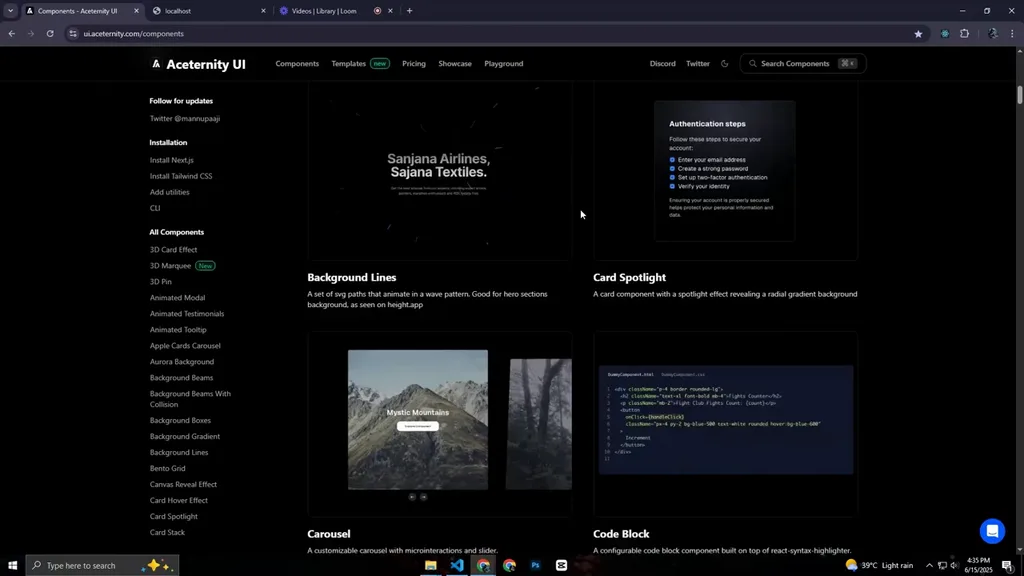
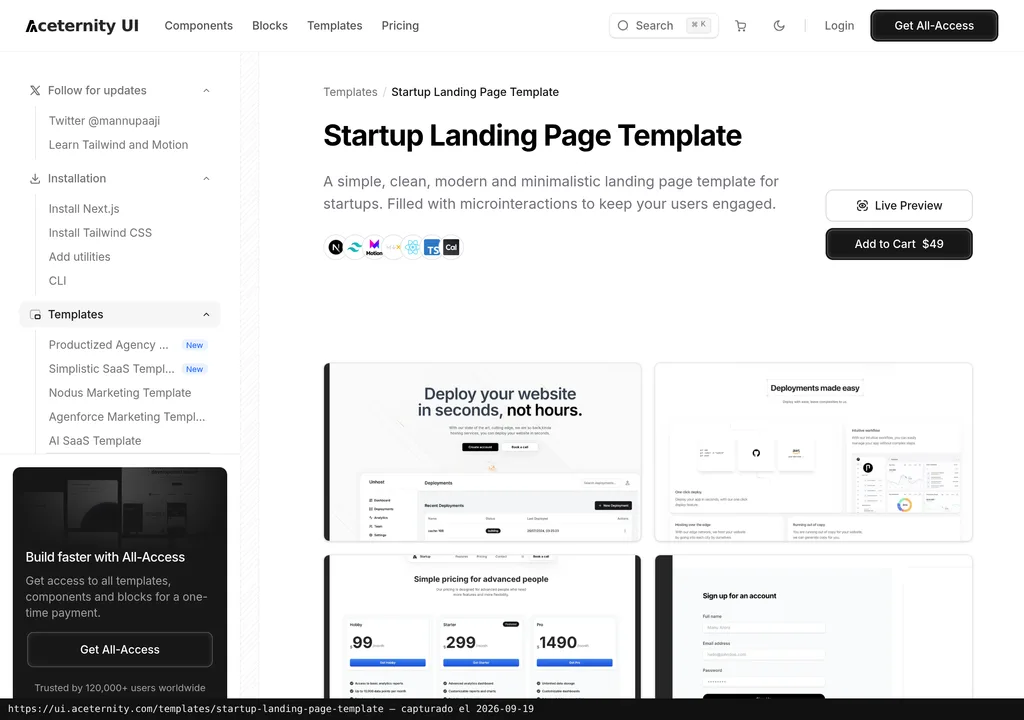
Picture an agency that needs to put together a landing page for a paid media campaign. The designer delivers a concept with scroll animations, parallax effects, and transitions the developer does not have time to code from scratch. Aceternity UI gives them a shortcut: copy the sections (animated hero, feature grid, pricing block) and adapt them to the design. How much time that saves depends on the project; the available evidence does not support a figure.
The MCP + coding agent combo is probably the most interesting option for a marketing team. You describe the landing in plain language, the agent selects the Aceternity components and scaffolds it out. You adjust the text, colors, code and details. You still need a configured React + Tailwind project and someone able to review the result, so this is an assisted workflow, not a shortcut around frontend work.
What They Do Not Tell You
Here is what the home page does not highlight.
First: pricing. The home page shows a "Pricing" navigation item and a "Get All-Access" button, but the evidence reviewed does not confirm a paid plan or provide verified figures. Without knowing what full access involves or costs, it is impossible to compare its value with alternatives like Magic UI, which offers animated React components with a similar approach.
The reviewed home page does not provide a visible link to a public repository, so this review cannot assess GitHub stars, open issues or public activity history. The home claims "Trusted by 120,000+ founders, developers and creators", but that figure comes from the company itself, with no external verification. I am not saying it is false. I would just like more evidence behind it.
The official documentation reviewed presents Aceternity UI for React, Tailwind CSS and Motion; it does not document versions for Vue, Svelte or Angular. Switching stacks later would still mean dealing with copied implementation code rather than a package that abstracts it.
And the thing that weighs most on anyone arriving without technical knowledge: "copy and paste" sounds simple, but if you do not have a React project set up, you will not be pasting anything anywhere. The entry barrier is not Aceternity. It is everything you need underneath.
Verdict
What Aceternity UI offers is easy to understand: animated components for React landing pages without burning hours writing effects from scratch. And the MCP integration puts it ahead of standard copy-paste libraries, because the AI agent builds while you supervise.
If your team already lives in React and Tailwind and ships landing pages regularly, it is worth exploring. The MCP server is a genuine bonus for anyone already working with coding agents. Caveat: without a React stack this does not apply, and the missing open repo plus unclear pricing are two red flags worth clearing up before you hand over your card.
A numeric score would be decoration here. I have not tested Aceternity UI hands-on, so I am not giving it one.