Vengeance UI is an animated component library for React and Next.js, aimed at anyone who wants a marketing site with more movement than a toaster. It gives you ready-to-install visual interactions. The storefront looks great; the licence and pricing, however, cannot be verified. That is where you need to stop.

TL;DR: The No-Nonsense Summary
- What it offers: components, blocks and interactive effects for React and Next.js projects.
- Installation: its website documents a route using the shadcn CLI and its own registry.
- Testing still needed: no reproducible test or independent results have been provided.
- The serious catch: the available source does not let us verify the licence, pricing or an official MCP integration.
In this article
| What it is | Visual components with public code for React. |
|---|---|
| Official website | https://www.vengenceui.com/ |
| Platforms | Web (React, Next.js); installation via CLI with npx shadcn |
| Requirements | npx / shadcn CLI to install components |
| Integrations | React, Next.js, Vercel |
Reviewed on 2026-09-25
This tool is included in these collections: React UI Libraries and Components for Building Websites with AI
The Problem It Solves
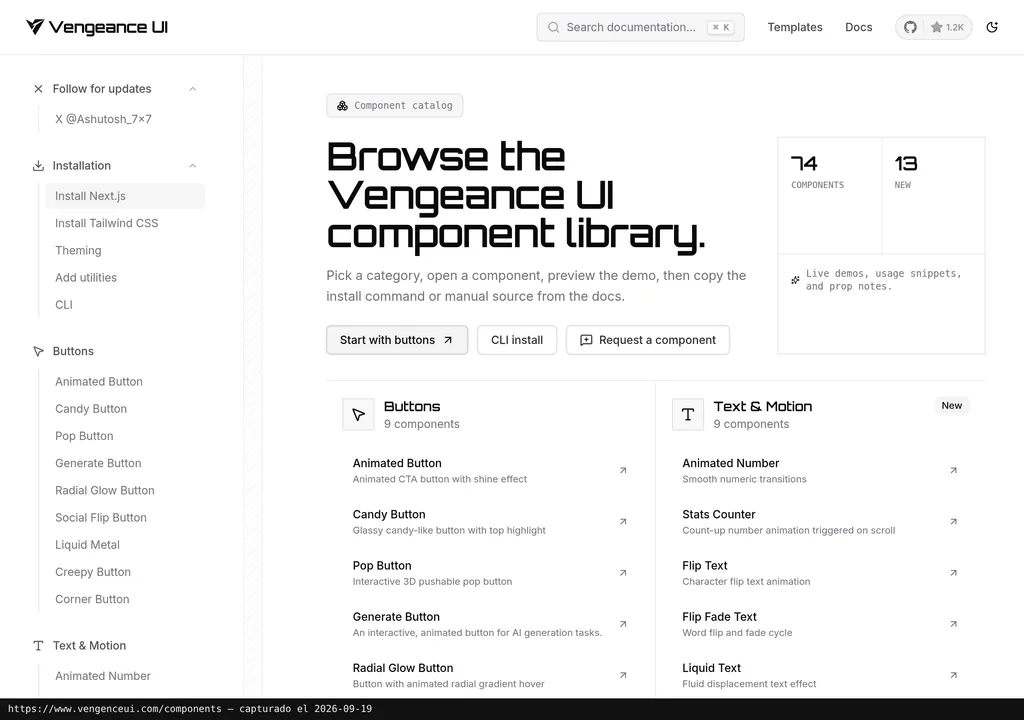
Vengeance UI aims to cut down the repetitive work of building visual interactions from scratch. Its official website showcases hover effects, animated tooltips, scroll-linked cards and blocks for landing pages.
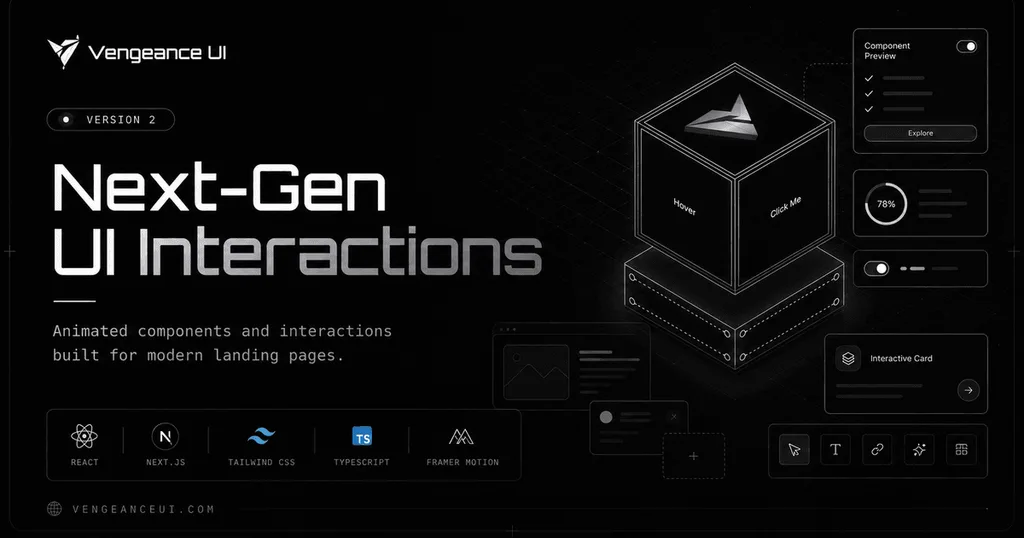
Put simply: you choose a visual piece, add it to your project and adapt it, instead of spending an afternoon chasing an animation that ends up wobbling like jelly. The library claims 46 components, nine families and more than 100 blocks on the page reviewed on 25 September 2026.
Who feels this pain? Small teams, freelancers and marketing leads who want a landing page with character but cannot commission every interaction from scratch. It is also for developers who need to move quickly without shipping yet another collection of cloned cards.
Vengeance UI goes straight for motion and interaction. That is its appeal. It is also its limit: outside that territory, it has little to offer.
Getting Started
The documented route is to install each component through the shadcn CLI. The pattern published by the project is npx shadcn@latest add @vengeanceui/[component], replacing the final placeholder with the selected component.

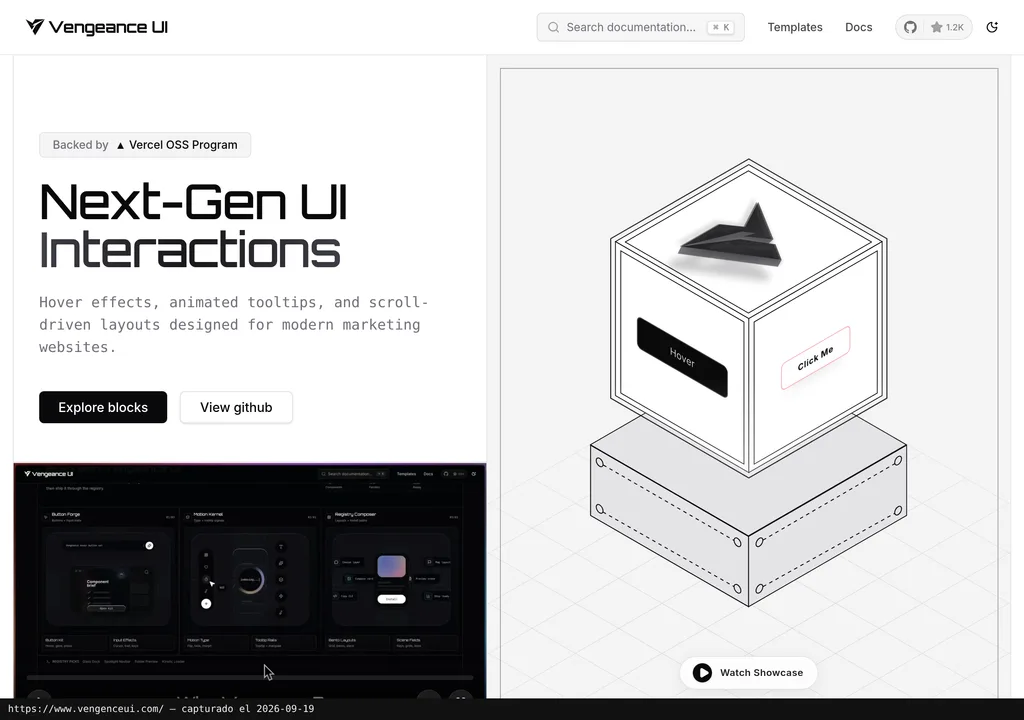
First, you need a compatible project and the environment required to run npx. The source identifies React and Next.js as compatible environments. Vercel appears as support through its OSS programme, not as an integration. It also provides no version matrix, detailed dependency list or uninstall procedure.
To roll back a change, you would need to check which files and dependencies the command added and remove them from the project itself. I am not going to invent a magic undo button when the supplied documentation does not describe one.
There is no reproducible test in the dossier either. We know which command the provider proposes, but this review does not document a completed installation, a specific version, the component tested or its production behaviour. For now, we only have the commercial documentation. There is also no approved experience from Dani on record.
Copy this and paste it into Claude Code, Cursor or your favourite coding assistant:
Review https://www.vengenceui.com/ and add a Vengeance UI component with the shadcn CLI.
Before changing files, confirm that the project uses React or Next.js and create a restore point.
Start the project, test the interaction on mobile and desktop, and list every modified file.
The assistant can guide you through installation, configuration and testing, but you will need to review the changes and resolve any conflicts that appear.
MCP for Vengeance UI
There is no verifiable official MCP integration in the Vengeance UI dossier. What is documented is a registry consumed through the shadcn CLI, which adds components to your code; that does not turn the library into an MCP server.
An MCP would theoretically allow an assistant to query tools or resources exposed by a compatible server. Here, we have no server URL and do not know how it would connect. The permissions and available tools are not documented either. Full stop. There is no documentary basis for promising that connection.
What you can do is ask a coding assistant to inspect the project and run the documented installation. The prompt above covers that route and requires it to check the changes. Calling that “installing the Vengeance UI MCP” would be dressing it up with a technical label it does not deserve.
Using It in Real Marketing
Where does it make sense? On a campaign landing page that needs a moving hero section, a more visual product block or navigation that responds more strongly to the cursor. It is a possible scenario, not first-hand experience or a measured result.
A small team could select a single interaction, install it on a separate branch and compare the page before and after. The review should measure page load and thoroughly test touch behaviour. Accessibility also needs checking and, above all, whether the effect helps visitors understand the offer. Just because something moves does not mean it communicates better. Sometimes it just moves.
The trap appears when a team chooses components because they look good in the demo and forgets the job they need to do. On a landing page, animation should direct attention or reinforce an action. If it competes with the message, it is expensive decoration, whatever the cost.
Vengeance UI sits in the same landscape as other component libraries for building websites with AI. If you want another motion-focused collection, you can investigate Magic UI. To decide which fits better, you need to test them, because there is no winner by decree here.
What They Do Not Tell You
The decisive limitation is documentary: the verified listing provides neither pricing nor a licence. The page says the components are open source, but its footer also displays a general reservation of rights. Without identifiable licence text, I would not assume permission to use, modify or redistribute it in a commercial project.
There is no amount to convert into euros as of 25 September 2026. We also do not know whether all blocks carry the same terms, whether paid features exist or whether external costs may arise. Inventing “free” because there is an installation command would be journalism written on a napkin.
There is also missing information on compatible versions, accessibility, added weight and maintenance. The site promises easy React and Next.js integration, but that claim comes from the provider itself. It does not prove that a specific component will fit without conflict into every real-world project.
The more distinctive an interaction is, the more adaptation it will need. The value lies in choosing one or two effects and putting them to work for design, message and performance. Copying twenty because they look nice in the demo ends in a circus.
Verdict
Vengeance UI’s proposition is easy to understand: visual components the provider presents as open source, less common interactions and a familiar installation route for React and Next.js. It is worth exploring. That is as far as it goes.
That is not enough to recommend it without reservations. Before using Vengeance UI in production, I would check the exact licence, the added dependencies and the behaviour of the chosen component. Then I would run an isolated, reversible test.
My editorial verdict is simple enough: try it if you need a specific interaction and know how to evaluate it. Build the whole landing page around how good the demo looks? Absolutely not. Motion gets attention; then you need judgement to make it useful.