Your TV cost a fortune, yet someone decided to turn its home screen into a marketplace of apps, ads and recommendations you never asked for. CleanYourTV uses Claude Code and ADB to reduce unwanted preinstalled software on certain Android TV or Google TV sets. It works. It can also leave you without Wi-Fi, a remote or a working boot sequence if you play cowboy.

TL;DR: The No-Nonsense Summary
- There is no magic here: Claude Code runs from a computer and controls the TV through ADB.
- Limited compatibility: the full process is designed for Android TV and Google TV, not Samsung Tizen or LG webOS.
- Reversible changes, within limits: CleanYourTV disables packages, installs another launcher and prepares a restoration script.
- A real risk: tampering with critical components can break Wi-Fi, HDMI, Chromecast, the remote or even booting.
In this article
What is CleanYourTV and how does it use Claude Code?
CleanYourTV is a community project that guides a coding assistant through inspecting and modifying a TV via ADB. Claude Code is not installed on the TV, nor has Anthropic launched a special TV feature.
It began with the before-and-after of the developer's parents' TV, posted on October 17, 2026. He then turned the procedure, launcher and community-contributed lists into the public CleanYourTV repository.
The key component is Android Debug Bridge, Android's official tool for communicating with devices, installing apps and running commands. Claude Code operates that tool from your computer and helps you make sense of a package list that, to an ordinary person, looks rather like an arcane spell.
And that is the achievement: it turns an old, fairly rough technique into a conversation people can understand. CleanYourTV also supports other terminal-enabled assistants, such as Codex or Gemini CLI. That assisted automation is the novelty. Claude has not suddenly learned to possess TVs.
How it reduces Android TV bloatware
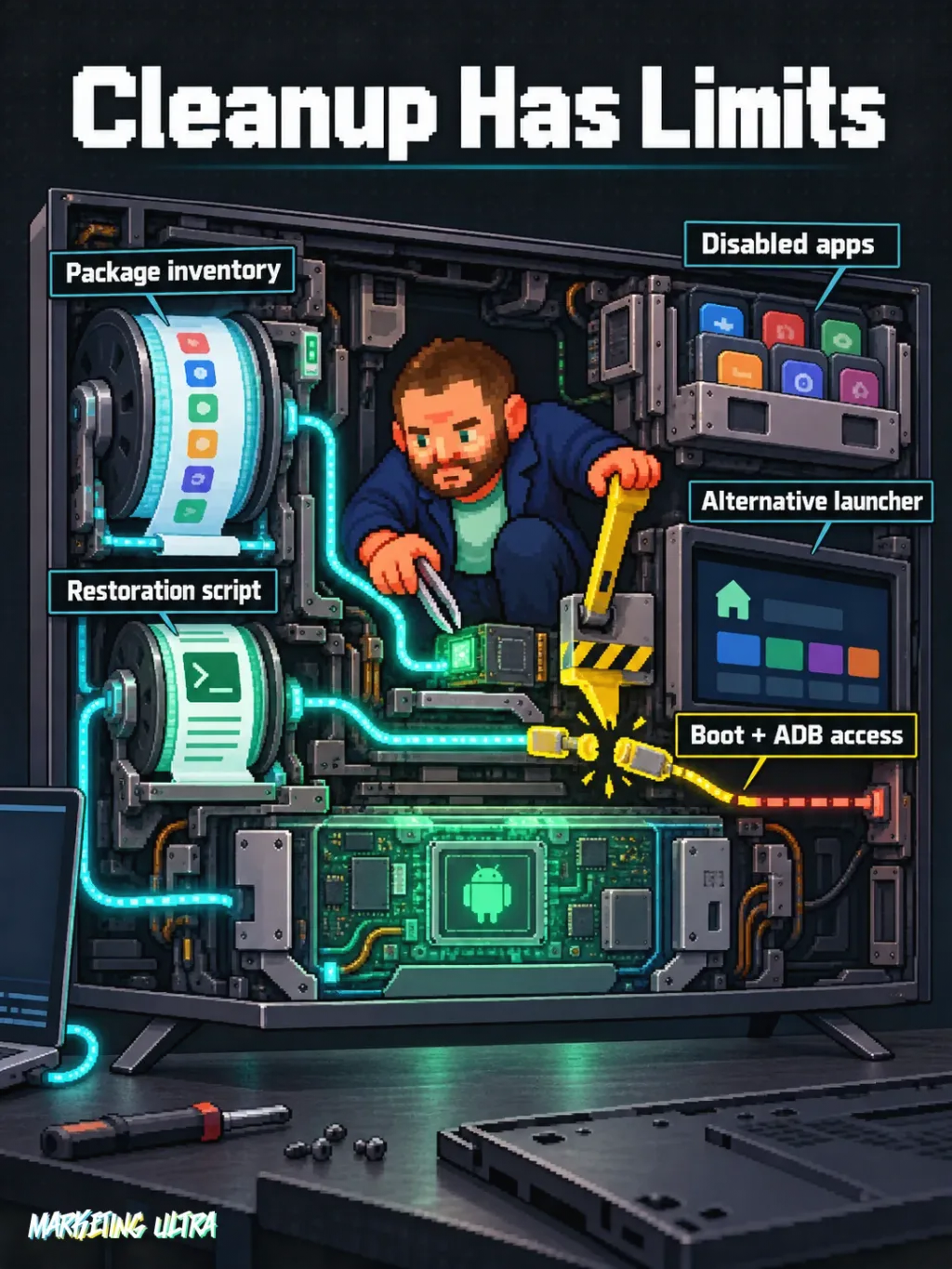
The process first saves an inventory of packages, properties and settings; it then disables apps for the user, installs an alternative launcher and generates a restoration script. In the recommended workflow, system packages are not physically deleted.
That matters because “making a backup” sounds far more reassuring than it actually is. You do not get a full firmware image ready to revive every possible disaster. You get information and reversal commands that work as long as the TV boots and you retain ADB access.
Being connected to the same Wi-Fi network is not enough either. You need to enable developer options and debugging, approve ADB authorization, and keep the device powered on. The CleanYourTV operating guide includes the checks, critical exclusions and safe connection shutdown.
Will it run faster? There are demonstrations and positive reports for specific models. Tom's Guide coverage confirms the trend and also reports a damaged TV. The sources reviewed contain no controlled testing that would support promising universal improvements, much less that your TV will become “infinitely” faster.
Which TVs work with CleanYourTV?
Full customization is aimed at certain Android TV or Google TV sets. Fire TV allows partial cleanup on some models; Samsung Tizen and LG webOS are outside this procedure because they do not offer the same ADB workflow.
Even within the Android ecosystem, some firmware blocks app installation, launcher changes or package disabling. Having Android TV does not make you immune to a manufacturer's creative decisions. Check the brand, model and version before touching anything.
Claude Code can be used from Spain. The official documentation explains how to install it on your computer, and Anthropic lists Spain among its supported countries. That confirms access to the tool, not compatibility with your TV.
To compare other uses for these assistants, see this analysis of how Claude Code and Codex review a plan together. The principle is the same: the agent proposes, someone reviews, and you decide. ALWAYS.
The risk of letting Claude Code decide alone
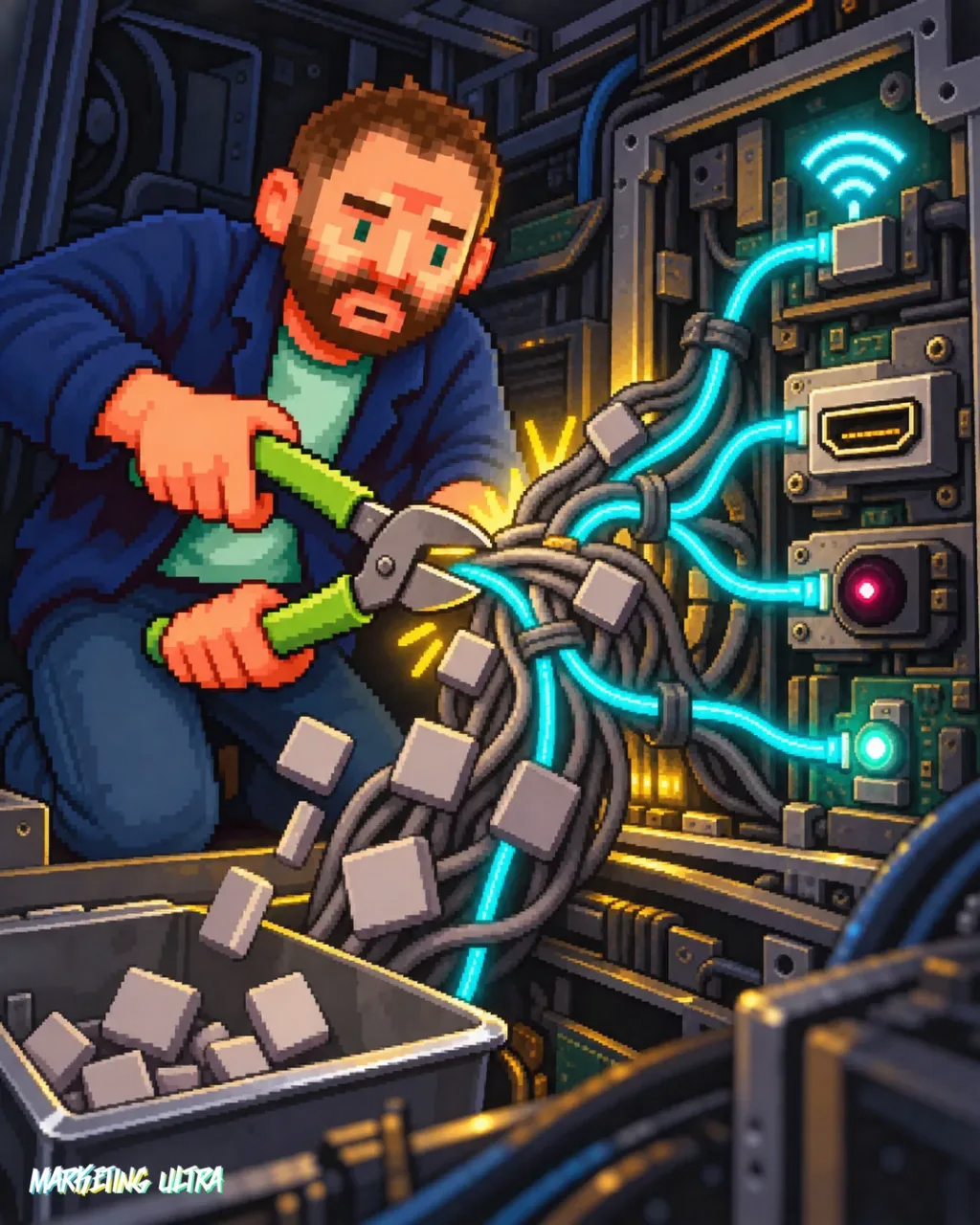
Disabling the wrong package can break booting, Wi-Fi, HDMI inputs, Bluetooth, Chromecast, updates, the remote or the launcher itself. The project even documents a Mi TV Stick that never booted again after core Android components were modified.
There is also a less obvious issue: ADB security. Port 5555 transmits in plain text, and some insecure firmware could let another device on the network gain console access. When you are done, close ADB, revoke authorizations and restart the TV. Not tomorrow. When you are done.
The trap is confusing technical skill with permission to act without supervision.
An agent can read package names. It does not know whether you use the tuner, Chromecast or a particular HDMI input every Sunday. That information exists outside the terminal. That is why my recommendation is clear: use CleanYourTV if the model is documented, review every app group and test in stages. Do not paste in instructions, go make coffee and return expecting an ad-free home screen and a rejuvenated TV.
Copy this and paste it into Claude Code, Codex, Gemini CLI or another terminal-enabled assistant:
Review https://github.com/Gathin23/cleanyourtv and install what is needed to use CleanYourTV with my Android TV or Google TV.
Before changing anything, confirm the model and compatibility, save the inventory, and show me every package you propose to disable.
Run a test with just one non-essential app, verify that it can be restored, and close ADB when finished.
You do not need to master ADB, but you do need to supervise the process. Check compatibility, every proposed package and restoration tests before expanding the changes.
Claude Code versus bloatware: my verdict
CleanYourTV makes an operation once reserved for people comfortable with ADB far more accessible. That is genuinely useful. I recommend it for compatible Android TV or Google TV sets, provided you keep a configuration inventory, a restoration script, make gradual changes and retain human oversight.
Claude Code versus bloatware is not magic either, nor is it an official Anthropic feature. You have a powerful agent handling delicate tools. If you review what it does, you can reclaim a clean home screen. If you delegate judgment, you may achieve something even more minimalist: a black screen.