Copying an app’s surface is easy; understanding what makes it tick is another matter. REA connects your coding agent to reverse-engineering tools to investigate features in applications, binaries, and websites. It makes sense for anyone who wants to understand or rebuild a specific feature, but it requires technical preparation and permission to analyse the target.

TL;DR: The No-Nonsense Summary
- What it does: lets an agent inspect applications, binaries, .NET assemblies, JavaScript projects, and websites.
- MCP integration: officially connects with Claude Code, Codex, Cursor, Gemini CLI, and Grok Build.
- The real cost: the code is MIT-licensed, but some investigations require commercial tools or separate infrastructure.
- The deciding limitation: REA delivers findings and evidence, not a licence to copy software or a guarantee that every rebuild will work.
In this article
| What it is | REA connects your coding agent to reverse-engineering tools to explain application features and help you rebuild them. |
|---|---|
| Official website | https://rea.tools/ |
| Repository | repo |
| Licence | MIT |
| Price | open source |
| Alternative to | Part of the manual inspection of code, functions, and references during a software investigation. |
| GitHub stars | 376,275 |
| Launch year | 2026 |
| Maintained by | morluto (individual) |
| Platforms | Local MCP and terminal; analyses apps, binaries, and websites |
| Requirements | Compatible Node.js 22/24/26 and npm; extra tools depending on the target |
| Integrations | MCP for Claude Code, Codex, Cursor, Gemini CLI, and Grok Build |
Reviewed on 2026-10-24
This tool is part of the living roundup Skills for Claude Code, Codex, and other coding agents →
The Problem It Solves
REA aims to remove a sizeable barrier: reproducing a feature takes more than looking at its interface. You need to trace calls, find references, observe behaviour, and distinguish a reasonable conclusion from a story the model has made up.
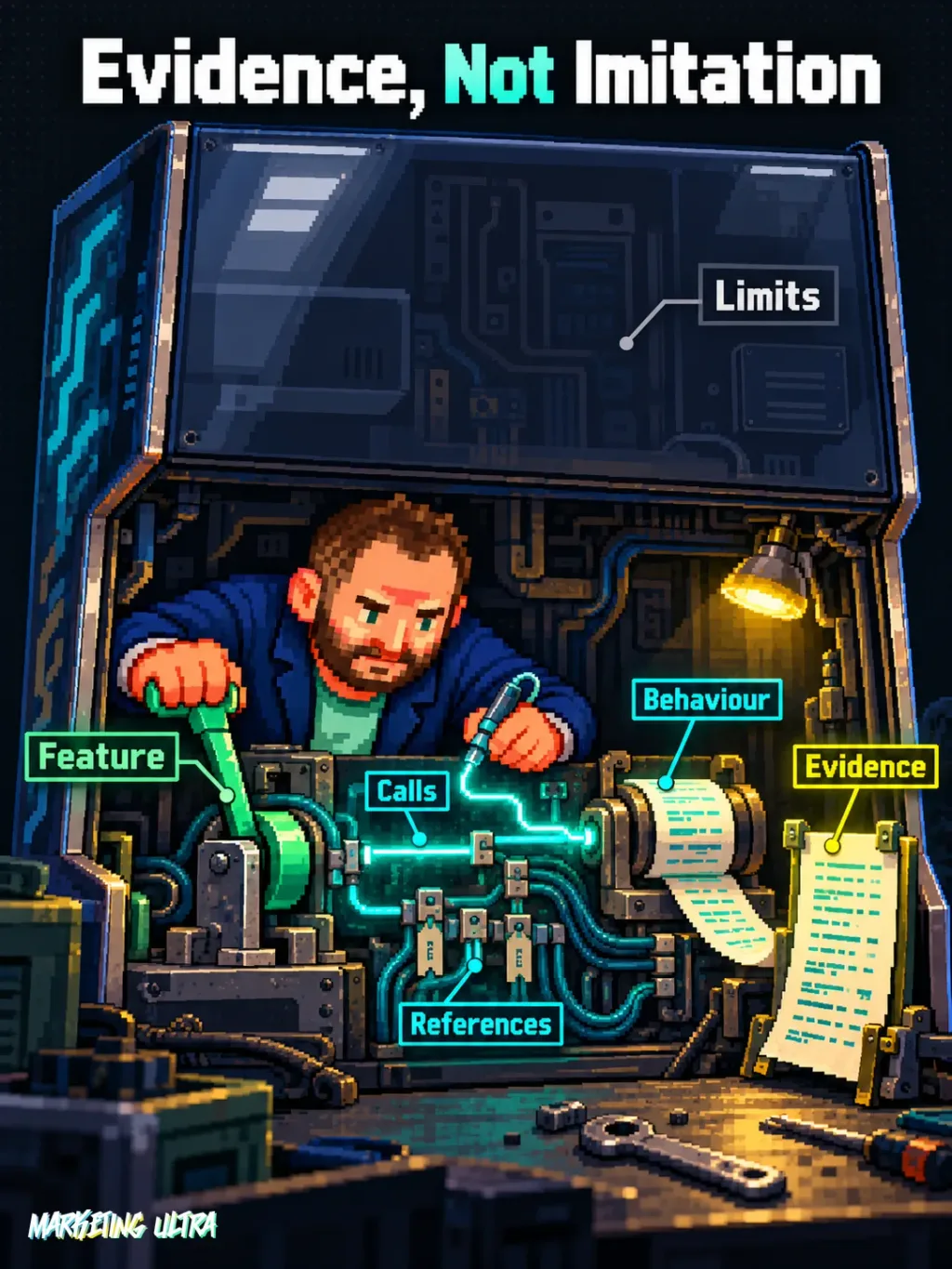
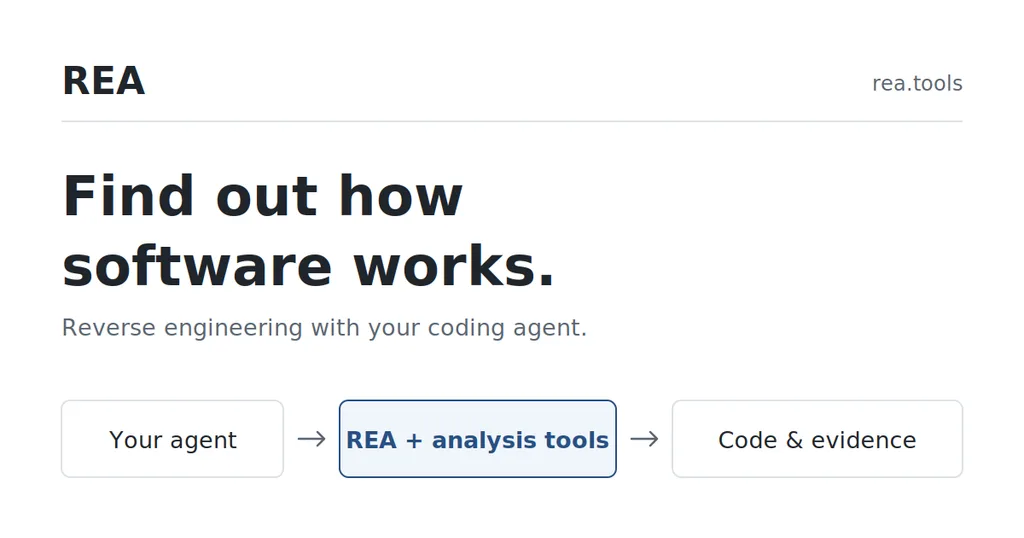
The tool connects the agent to utilities that can inspect native software, JavaScript and Electron applications, .NET assemblies, and web pages. Analysis runs locally and returns evidence and limitations alongside its findings, according to the official REA documentation.
That makes reverse engineering far more accessible: ask about a feature, the agent investigates the target, and uses what it finds to explain it or write an implementation. Magic? Not a chance. If you ask the wrong question, lack permission, or do not have the right tools, the name “Reverse Engineer Anything” is quite a stretch.
Getting Started
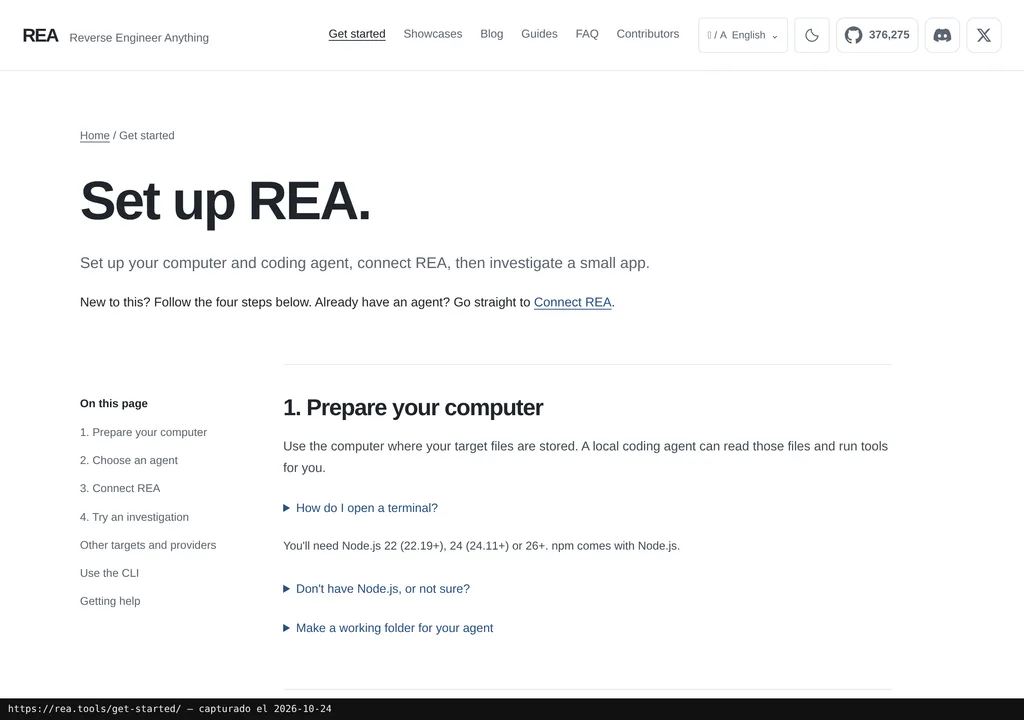
REA requires npm and a compatible version of Node.js: 22 from 22.23.4, 24 from 24.22.1, or 26 from 26.12.1. To get started, run the installer, review what it wants to change, and approve it before restarting your agent.
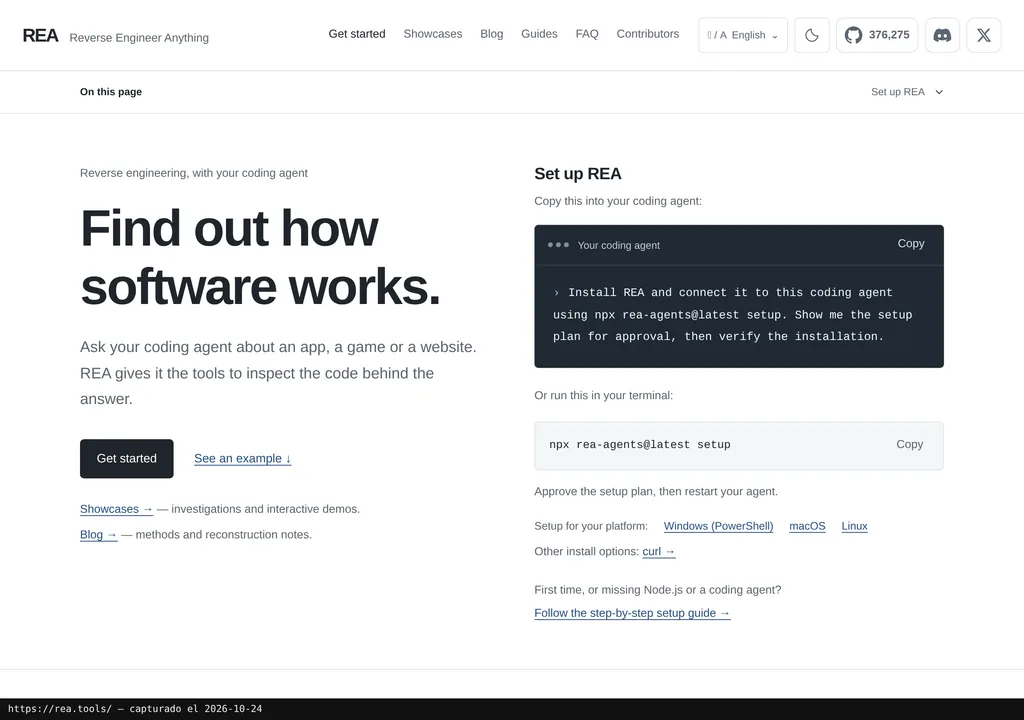
The process registers a local MCP server and installs the relevant working instructions. It officially integrates with Claude Code, Codex, Cursor, Gemini CLI, and Grok Build; other clients compatible with local MCP servers can be configured manually. For deep native analysis, you will also need Hopper, Ghidra, or IDA, while static JavaScript and .NET inspection does not require one of those engines.
Copy this and paste it into Claude Code, Cursor, or your favourite coding assistant:
Install REA from https://github.com/morluto/rea with npx rea-agents@latest setup and show me the plan before applying it.
Connect it through MCP, restart any required configuration, and verify that it responds.
Then analyse an authorised test application and show a feature with its evidence and limitations.
You need a degree of technical confidence. The assistant can guide you through installation, configuration, and testing, but you will need to review changes and resolve any tooling issues.
To undo the configuration, follow the repository’s installation guide. The installer creates backups of existing configuration, an important detail when you already have several extensions making changes to the same agent.
Using It in Real Marketing
In an agency or small team, the sensible move is to narrow the scope dramatically. Do not ask it to “clone this entire company”: investigate how an authorised tool exports data, how an in-house application connects two modules, or what that feature you need to rebuild actually does.
Imagine an old internal application with an export function nobody dares touch. REA would locate the components and references; the agent would then explain what it found and propose a testable implementation. To be clear: this is a use-case example. Marketing Ultra has not run this test.
The published cases do provide something more solid. In the DX-Ball case, rebuilding a sound calculation passed 3,205 cases from the original executable and reproduced its 63 compiled bytes. The project also documents investigations into Notion’s clipboard and the percentage button in Windows Calculator. These are maintainer demonstrations, not an independent audit.
My take is straightforward: REA is compelling when the target is narrow and you can verify the result. Asking it to “understand this application” opens the door to a mess; asking it to “find the rule behind this feature and show me the evidence” is a more disciplined way to work.
What They Do Not Tell You
The repository is public and its own code uses the MIT licence, but the complete setup may cost money. IDA, Hopper, JEB, and other tools have licences of their own. Add the agent, the model, and the time needed to review conclusions. Giving a figure in euros without a verified conversion would be making it up.
There is no “rebuild anything” button either. Every format has its own requirements: a Chrome-based browser to observe websites, JADX and a full JDK for certain APKs, or specific tools for firmware and network captures. And beware of “it runs locally”: any results you send to the agent remain subject to its provider’s data policy.
Then there is the legal side, and it is not a minor footnote. The project itself limits use to authorised research, education, interoperability, preservation, and software you own or are entitled to examine. REA does not grant rights over third-party applications or licences for commercial tools.
What People Say
The public discussion I could review is too limited to sell as a consensus. There are doubts about the repository’s popularity and how much the name promises, but no evidence that supports going beyond suspicion.
"Did this project just buy a ton of stars?" variety8675 on hn
"Such a click-baity name. Open challenge to anyone to use this framework and reverse engineer the internal APIs iPhone uses to talk to Siri or shortcuts or app Intents." NeumannGod on hn
"There's no obscurity anymore. Best you can do is keep as much as possible server side. Curious if anyone has experimented with LLM's RE'ing obfuscated code. I suspect they handle it just fine." danjc on hn
The interesting question is different: how far does REA get when it meets obfuscated code or a genuinely complex target? That is where it will be tested. It has already sparked curiosity; now it needs to show evidence far tougher than a popularity figure.
Alternatives
The documented alternative is the traditional method: manually inspect the code, features, and their references. You have more control over every conclusion, in exchange for specialised expertise and considerably more work.
You can also combine both approaches: use REA to organise evidence and retain human validation at critical points. That fits with what I explain in the guide to skills for Claude Code, Codex, and other coding agents: instructions expand what an agent can do, but judgement remains yours.
Verdict
I would recommend REA for authorised, well-scoped investigations whose results you can verify. According to the project documentation, its MCP integration works with several agents and brings together tools that previously made you jump between fairly rough processes.
I would not use it to promise automatic clones or investigate software without permission. I would not score it yet either: there was no hands-on test here, and the evidence comes from the project’s documentation and cases published by it.
REA’s real strength lies in the traces that accompany every answer and that you can review. Because if you do not look at them, you are back on autopilot as usual. This time wearing a hacker hoodie.