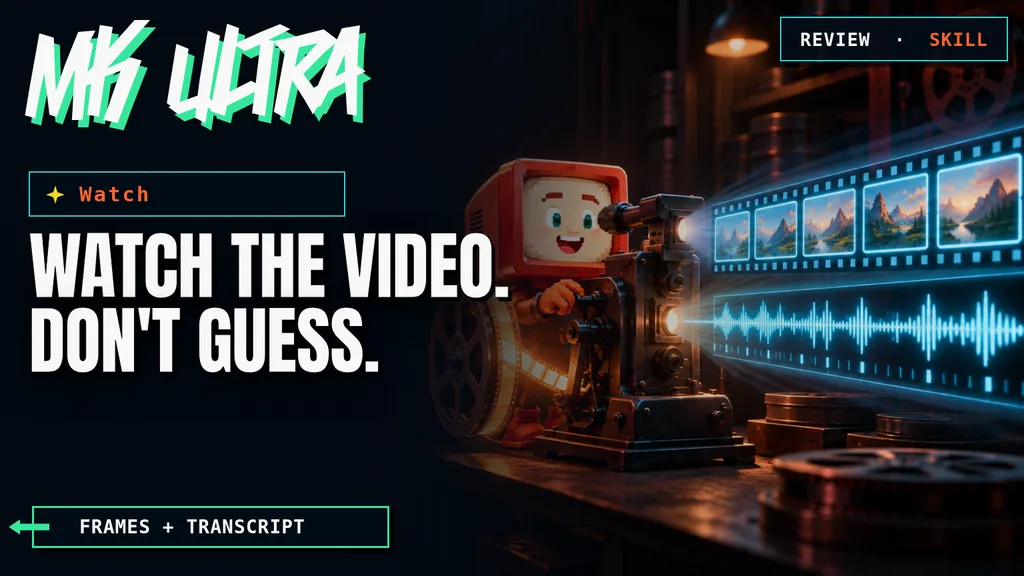
A video is not a long document with music. If your agent only receives the transcript, it understands what is said but misses the interface, editing, captions, gestures, and the error that flashes in a corner for half a second. Watch, by bradautomates, fills that gap. It extracts frames, obtains a timestamped transcript, and hands both layers to the agent.

TL;DR: The Straight Answer
- What it does: turns YouTube, Loom, TikTok, Vimeo, and local files into selected frames plus a timestamped transcript.
- The best part: the agent stops inferring the visual layer from the words alone.
- The catch: it depends on yt-dlp, ffmpeg, captions, or Whisper. Platform changes can break a download, and frames are still a sample.
- The score: 90/100. It solves a real problem with a transparent, configurable pipeline.

In my local test, Watch kept five useful visual states and discarded eight duplicates. Whisper recovered only one word. The frames rescued an analysis the transcript could not support.
DaniIn this article
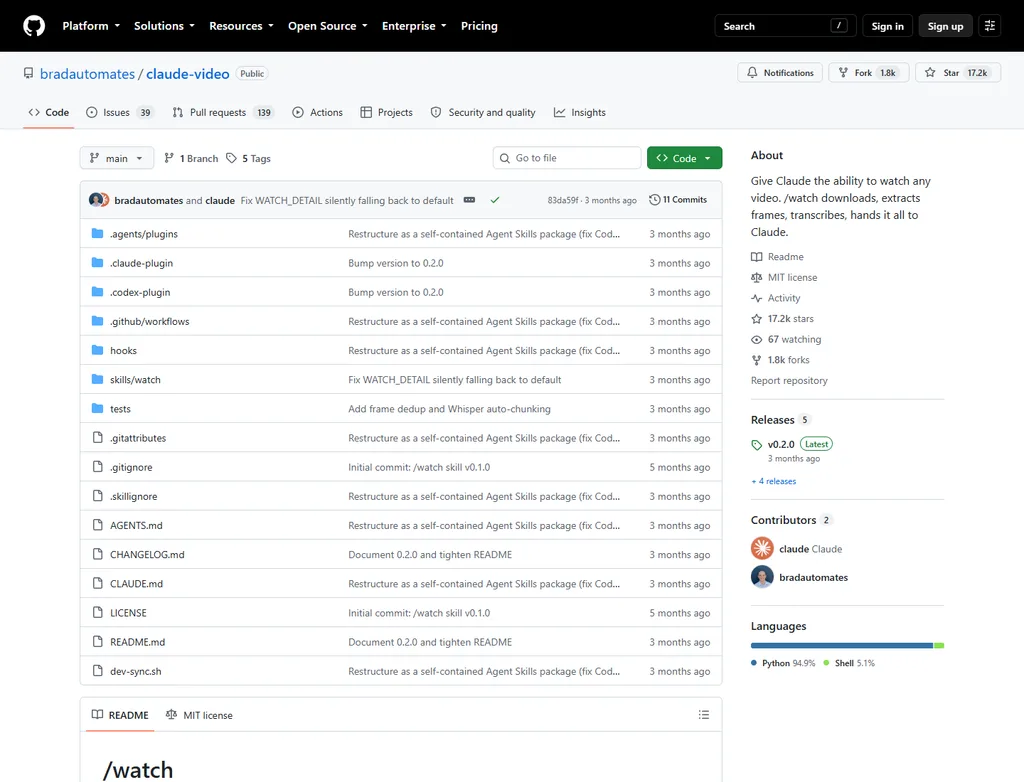
| Project | bradautomates/claude-video |
| License | MIT |
| Reviewed state | Version 0.2.0; 17,165 stars; 1,750 forks; reviewed September 14, 2026 |
| Compatibility | Claude Code, Codex, Cursor, Copilot, Gemini CLI, claude.ai, and more than 50 Agent Skills hosts |
| Dependencies | Python, yt-dlp, and ffmpeg; local Whisper, Groq, or OpenAI when captions are unavailable |
| Price | Free and open source; API transcription may cost money |
| Score | 90/100 |
This tool is included in these collections: Skills for Claude Code, Codex and Coding Agents by Task · AI Agent Resources for Marketing by Task
The Problem It Solves
Current agents can reason over images and text, but a video URL does not always arrive as a usable visual sequence. The easy route is to download subtitles and summarize them. That works for an interview. It fails for a software demo, an ad, or a screen recording: the phrase “as you can see here” does not reveal which button was pressed or what changed in the interface.
Watch does not try to play video inside the model. It prepares a manageable representation. It looks for captions, downloads the material it needs, selects scenes with ffmpeg, and pairs those frames with a timestamped transcript. The agent receives visual and verbal evidence it can inspect with its normal tools.
Getting Started
Claude Code installs it from the author's marketplace. Codex, Cursor, Copilot, Gemini CLI, and other compatible hosts use the Agent Skills CLI.
/plugin marketplace add bradautomates/claude-video
/plugin install watch@claude-video
npx skills add bradautomates/claude-video -gThe first run checks yt-dlp and ffmpeg. On macOS it can install them through Homebrew; on Windows and Linux it prints instructions. If the video already has captions, no paid transcription is required. Otherwise it can use faster-whisper locally or send only the extracted audio to Groq or OpenAI, depending on your setup.
The important control is how much imagery enters context. transcript uses no frames; efficient allows up to 50; the recommended balanced mode allows up to 100; and token-burner removes the cap. You can also focus a range with --start and --end, request exact moments with --timestamps, or reduce the budget with --max-frames.
A Hands-On Video Test
I tested the skill in two situations. With the public YouTube link used by its own documentation as an example, it retrieved captions but the video download ended in a 403. The visible cause was a yt-dlp build more than 90 days old colliding with a recent YouTube signature change. Updating the dependency should fix it, but it exposes an important qualification: “any video” means any video the extractor can obtain today.
With a 13-second local WebM, the full pipeline worked. In balanced mode it produced 13 candidates, discarded 8 near-duplicates, and kept 5 frames. Those frames preserved the changes between “Sound off,” “Sound on,” color bars, and a black screen. Local Whisper produced only “you.” A transcript-only summary would have been useless; the frames made the sequence understandable.
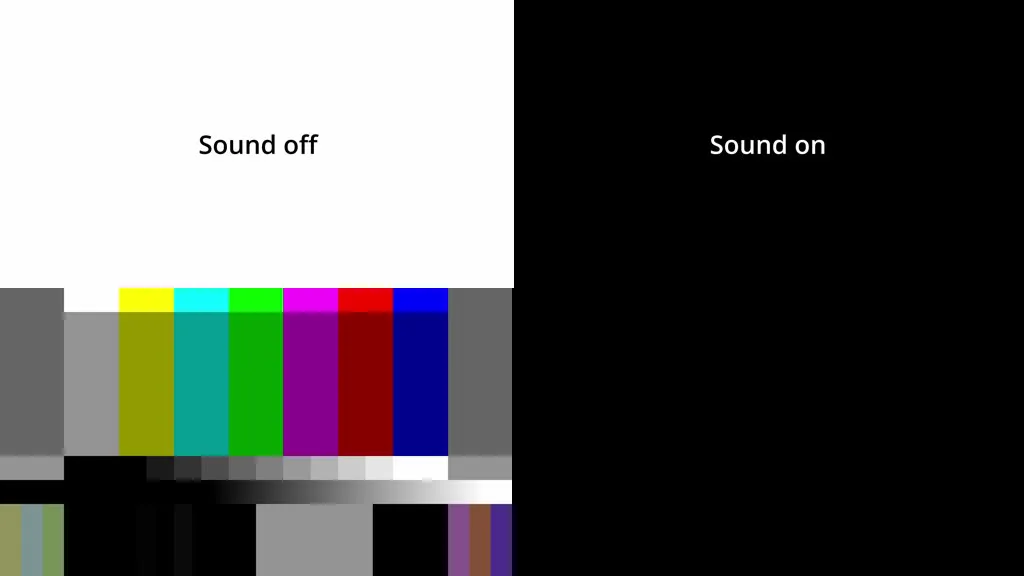
For marketing, this combination fits four jobs: dissecting an ad edit, extracting a product-demo journey, locating the exact moment of a screen-recording failure, and turning a tutorial into a checklist. Long videos should be trimmed. One hundred images spread over an hour provide orientation, not continuous observation.
What They Do Not Tell You
The first limitation is epistemic. Watch does not “see every frame” unless you force extreme density. It sees a selection. It can miss a fleeting caption, transition, or small change between samples. Uncapped mode lowers that risk but can consume a huge amount of context. The documentation estimates that 80 frames at 512 pixels use roughly 50,000 to 80,000 image tokens.
The second is operational. yt-dlp chases platforms that change constantly. YouTube, TikTok, or Instagram may require an update, block a region, or require authentication. Supporting a platform does not guarantee that every link is downloadable at every moment.
The third is privacy. With local faster-whisper, audio stays on your machine. With Groq or OpenAI, the full video is not uploaded, but the extracted audio is sent when transcription is needed. For client material, meetings, or internal recordings, make that decision before running the skill.
What People Say
Recent conversation is enthusiastic and heavy on lead-generation marketing. The repeated use case is not merely “summarize videos.” It is turning tutorials into reusable skills. The strongest objection is equally simple: for content that is almost entirely spoken, a transcript already does much of the work.
Verdict
Watch earns 90/100. It does one concrete job in an understandable way: it converts video into the two inputs an agent handles well, images and text. Its modes control cost, it accepts local files, and it does not require sending the entire video to a third party.
It loses points because platform support depends on yt-dlp, sampling is not the same as watching every second, and Whisper quality varies. I would install it if you review demos, ads, tutorials, or bug recordings inside Claude Code or Codex. For static podcasts or interviews, start with the transcript. For fine visual judgments, use Watch as a map and return to the video as the final source.
Frequently Asked Questions About Watch
Does Watch see every frame in a video?
No. It selects scenes and samples based on duration and detail mode. You can request denser coverage or exact timestamps, but context cost rises.
Does it need an OpenAI API key?
Not when the video has captions or you configure local faster-whisper. Groq and OpenAI are optional fallbacks for audio without captions.
Does it work in Codex as well as Claude Code?
Yes. The repository is packaged as a self-contained Agent Skill and declares support for Codex, Cursor, Copilot, Gemini CLI, and more than 50 hosts.
Can it analyze private videos?
It can process local files you provide. On web platforms, access depends on what yt-dlp can download without signing in and on the link's restrictions.
Does it replace watching the original?
No when fast transitions, audio, tone, or small text matter. It is excellent for orientation and structure; final verification still belongs in the original.