With more than 128,000 GitHub stars, UI UX Pro Max Skill is an open-source design intelligence system that installs in more than 20 assistants, including Claude Code, Cursor, and Windsurf, teaching them to make design decisions before writing a single line of CSS.

TL;DR: The No-Nonsense Summary
- What it is: a free skill (MIT license) that injects 192 industry-specific design rules, 79 visual styles (50 active), and 74 typographic pairings into your coding agent.
- Who it's for: marketing teams, freelancers, and developers who need decent interfaces without a designer for every landing page.
- Cost: basic version free. The premium tier (brand identity, visual assets, dedicated support) has no published price as of this review.
- Requirements: Python 3.x and Node.js. Compatible with more than 20 AI assistants.
In this article
| Official website | https://uupm.cc/ |
|---|---|
| Repository | repo |
| License | MIT |
| GitHub Stars | 128,937 |
| Launch year | 2025 |
| Maintained by | nextlevelbuilder (organization) |
| Platforms | Claude Code, Cursor, Windsurf, Antigravity, GitHub Copilot, Kiro, Codex CLI, Roo Code, Gemini CLI, Warp, Augment and other AI IDEs |
| Requirements | Python 3.x and Node.js/npm to install the CLI (ui-ux-pro-max-cli) |
Reviewed on 2026-09-19
This tool is included in these collections: Design Resources for Coding Agents · Skills for Claude Code, Codex and Coding Agents by Task
The Problem It Solves
Coding agents generate interfaces with no design judgment. Ask any model “make me a landing page” with no further context and the result is predictable: white background, blue button, system font, and a layout that screams “built by someone who can’t tell a serif from a sans-serif.”
The model needs context to decide whether a palette fits a luxury e-commerce store or how to organize a B2B SaaS page. Design judgment has to be supplied with the request.
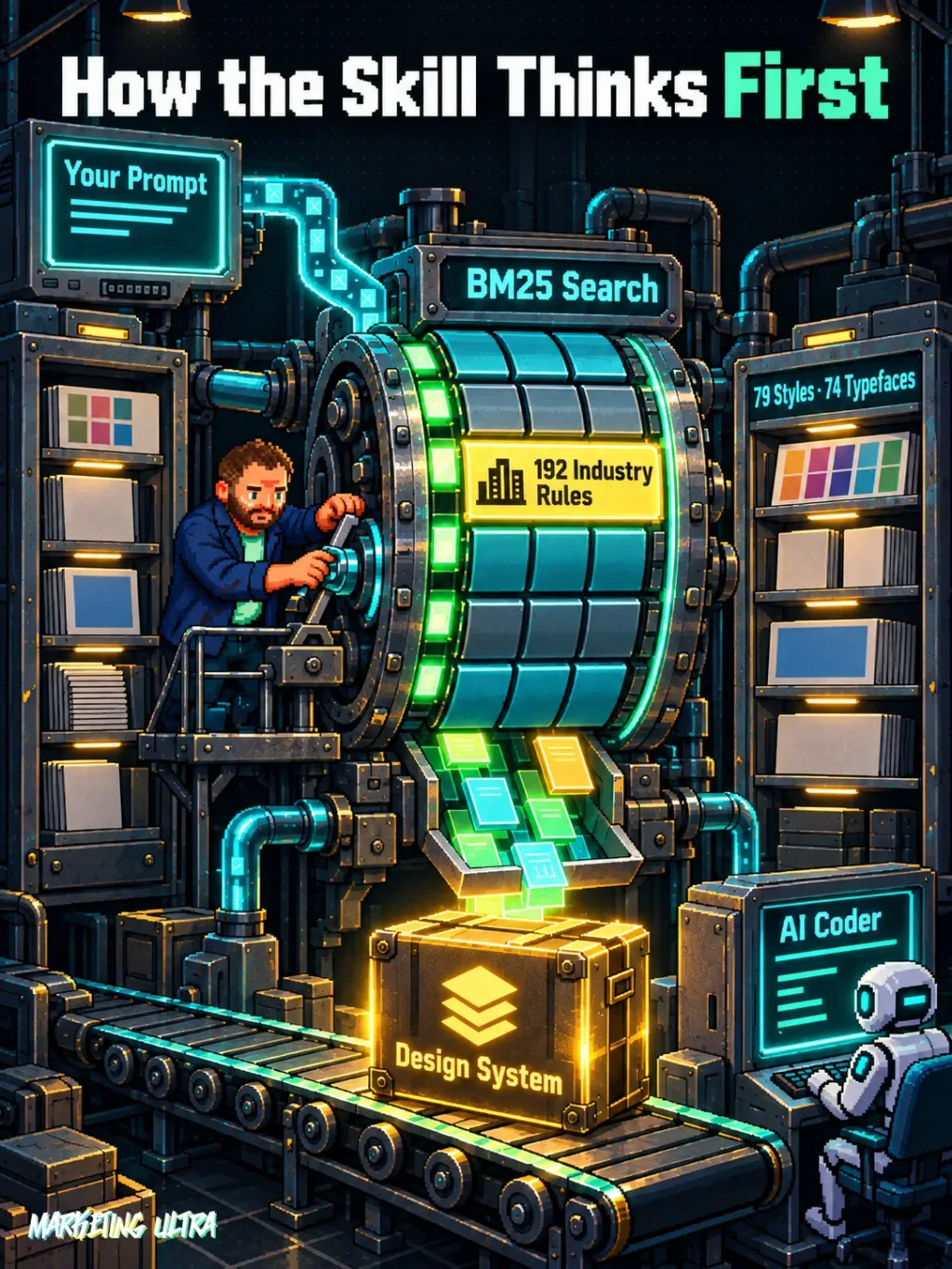
UI UX Pro Max Skill solves exactly that. It’s a design intelligence database, 79 searchable styles (50 active), 192 industry-specific rules, 74 typographic pairings, 119 UX rules, injected as context into the agent. When you request an interface, the skill cross-references your prompt against its rules using a BM25 search engine, generates a complete design system, and only then does the agent write code. Judgment first, pixels second.
Version 2.0 adds a reasoning engine with 192 industry-specific rules covering everything from fintech to veterinary clinics, each with a recommended landing page pattern, visual style, color palette, typography, and antipatterns to avoid.
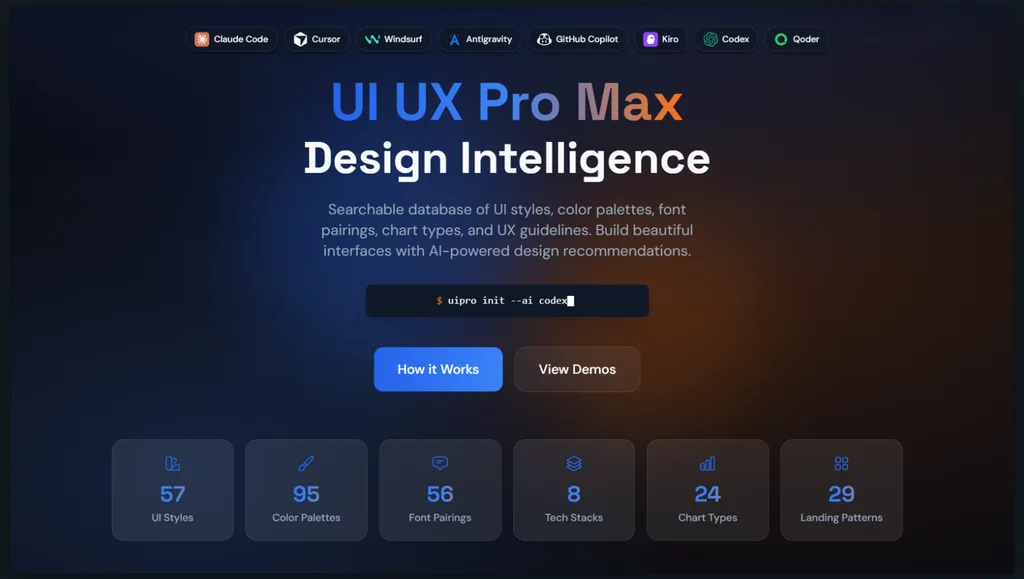
The version 2.0 README is the source for the figures in this review. It distinguishes 79 searchable styles from 50 active styles and lists 74 font pairings and 192 palettes. The official website advertises 57 styles, 56 pairings and 95 palettes. Those numbers differ. I follow the README here because it identifies the resource version and documents how it works; the discrepancy with the website was still present when both sources were reviewed on September 19, 2026.
Getting Started
UI UX Pro Max requires two prerequisites: Python 3.x and Node.js on your machine. The skill makes no network calls and runs nothing in the cloud. Everything runs locally.
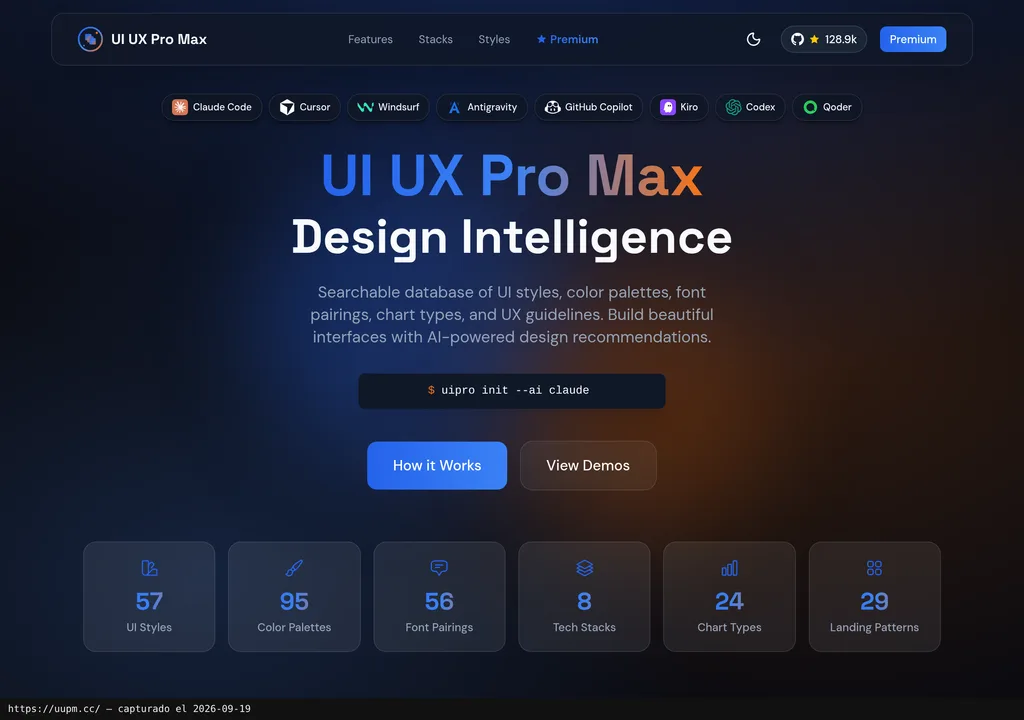
The recommended route is the CLI. Install the npm package globally and run one command that copies the skill files into your assistant’s directory. For Claude Code there’s also the plugin catalog option (two commands and done), but the CLI covers all 20-plus compatible assistants: Cursor, Windsurf, Kiro, GitHub Copilot, Codex CLI, Gemini CLI, Warp, Augment, and the rest.
Copy this and paste it into Claude Code, Cursor, or your favorite coding assistant:
Install the UI UX Pro Max design skill in this project. Run npm install -g ui-ux-pro-max-cli and then uipro init --ai claude. When done, generate a complete design system for a SaaS landing page with a hero section, pricing, and signup form.
You don’t need to know how to code. The assistant handles installation, configuration, and testing.
Once installed, you don’t need to invoke it manually. The skill activates on its own whenever you request interface work. Tell it “Build a landing page for my SaaS product” and the engine generates the design system, pattern, style, colors, typography, deliverable list, before the agent touches a single line of HTML. You can also run the generator directly from the terminal using the Python search script, if you prefer more control.
MCP for UI UX Pro Max Skill
UI UX Pro Max does not offer an MCP server. It takes a different approach: it installs as a skill directly in the assistant’s directory (for example, .claude/skills/ui-ux-pro-max/ for Claude Code), not as an external service the agent connects to over a protocol.
This means you can’t add it as an MCP tool in a custom pipeline or combine it with other MCP servers the same way you would with tools like Refero, which, according to our review, exposes an MCP server for working with real visual references. UI UX Pro Max integration goes through each assistant’s skill or plugin system. If your workflow depends on MCP for tool orchestration, know this before you build anything around it.
Using It in Real Marketing
The clearest marketing use case: campaign landing pages. You have a promotion, you need a quick landing page, and you can’t wait two weeks for the design team to deliver. With this skill installed, the agent knows that a “beauty spa” landing page needs a warm palette, elegant typography (Cormorant Garamond + Montserrat, per the skill’s own rules), a hero + testimonials + booking pattern, and that it should avoid neon colors and dark mode.
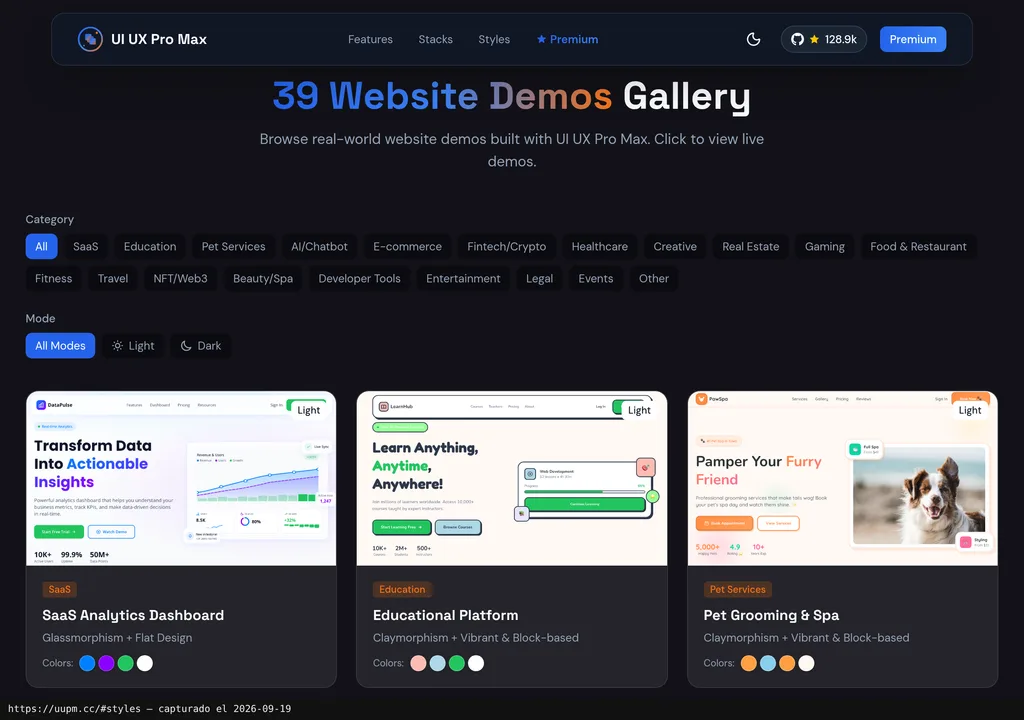
Where the real difference shows up is consistency. Without the skill, every AI-generated landing page is a style lottery. With it, there’s an underlying design system that keeps things coherent across pieces. For an agency managing multiple clients, that’s time you don’t spend redoing what the AI decided to make up on its own.
If you’re already using AI agents in your marketing campaigns, this skill becomes the visual judgment layer the model is missing by default. And if you’re looking for more options in that space, the design resource roundup for coding agents has the full picture.
What They Do Not Tell You
Before installing it, check that your team can work with technical English. That is the language of the main documentation. The repository includes partial translations into Chinese, Korean, Indonesian, and Vietnamese; there is no Spanish version.
The free version generates no real visual assets. It provides design guidance, but visual assets are up to you, or generated with another tool. The premium version promises AI asset generation and brand identity, but its official website publishes no price or clear terms as of this review (September 2026). Evaluating whether it’s worth it is simply impossible right now.
The agent can skip a recommendation or misread an ambiguous prompt. The skill supplies context for generating the interface; the resulting code still needs to be checked against the chosen design system.
One important detail when assessing this resource: this write-up includes no user reviews or independently documented tests. The 128,000-plus stars signal strong interest, but a GitHub star isn’t a grounded analysis. We haven’t run our own hands-on test for this article either; conclusions are based on the repository’s public documentation and the official website.
Verdict
UI UX Pro Max Skill brings together design rules the agent can consult before generating an interface. Its MIT license allows you to use the skill without paying; visual assets need to be supplied separately.
I would use it to get a prototype started, with the design rules in view. Then review it. Handing that first version to a client without checking what the agent has done is a quick way to dump the unfinished work on the client.