
An inaccessible interface rarely needs demolishing. It usually needs someone to find the loose screws and tighten them in the right order. UI Skills by ibelick combines a registry, a CLI and an MCP connection for looking up design engineering skills. The catalogue includes accessibility resources, but that does not turn the project into a WCAG audit.

TL;DR: The No-Nonsense Summary
- What it offers: a catalogue of design engineering skills, available through the web, CLI and MCP.
- Installation: the README documents commands for browsing and downloading resources through the UI Skills CLI.
- Cost: the code is released under the MIT licence; the agent and external services are separate.
- Limitation: verified sources do not present the project as a WCAG certifier or prove that an interface is already accessible.
In this article
| What it is | A catalogue of design engineering instructions that can be explored through the web, CLI or MCP. |
|---|---|
| Official website | https://ui-skills.com/ |
| Repository | repo |
| Licence | MIT |
| Price | The repository releases its code under MIT. The agent and external services have separate terms; no single price has been verified. |
| GitHub stars | 8,822 |
| Launch year | 2026 |
| Maintained by | ibelick (individual) |
Reviewed on 2026-09-27
This tool is included in these collections: Design skills for Claude Code and Codex · Skills for Claude Code, Codex and Coding Agents by Task
The Problem It Solves
UI Skills by ibelick tries to bring order to a common problem: catalogues of instructions for agents keep growing, and finding the right piece becomes yet another job. The project lets you browse and download skills from the terminal or look them up through MCP.

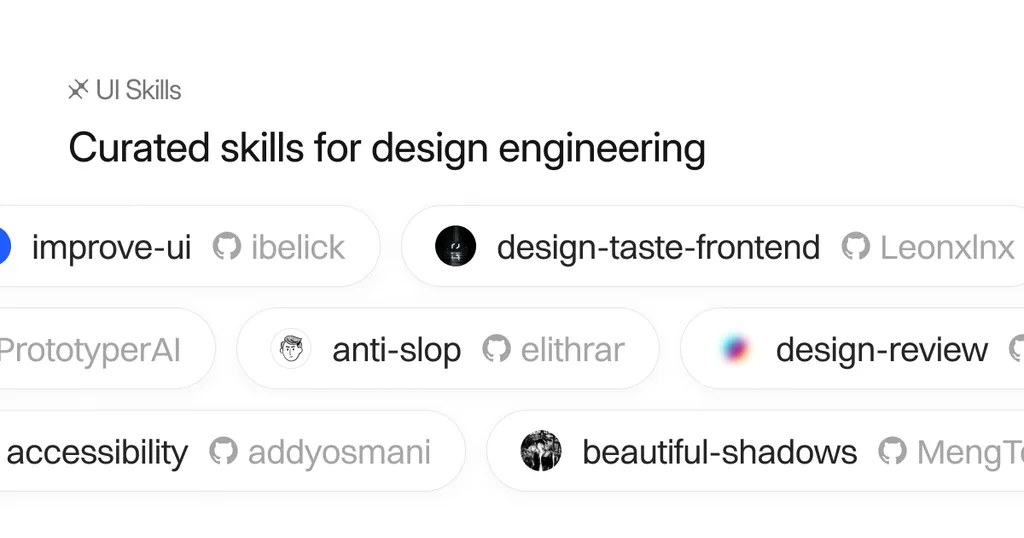
The catalogue combines ibelick resources with work credited to Anthropic, Emil Kowalski and other authors. Check the attribution on every listing before handing out medals. Appearing in UI Skills does not mean ibelick created it.
In Plain English
You give an agent access to a catalogue of design instructions and choose the one that fits the problem. The registry itself includes topics such as accessibility, forms, buttons and motion. Then you need to review what each resource suggests and who signed it. Less blind faith, more reading the fine print.
Getting Started
The website shows a CLI run with npx ui-skills. The README documents npx ui-skills start and includes commands such as npx ui-skills categories, npx ui-skills list --category motion and npx ui-skills get baseline-ui for browsing and downloading resources.
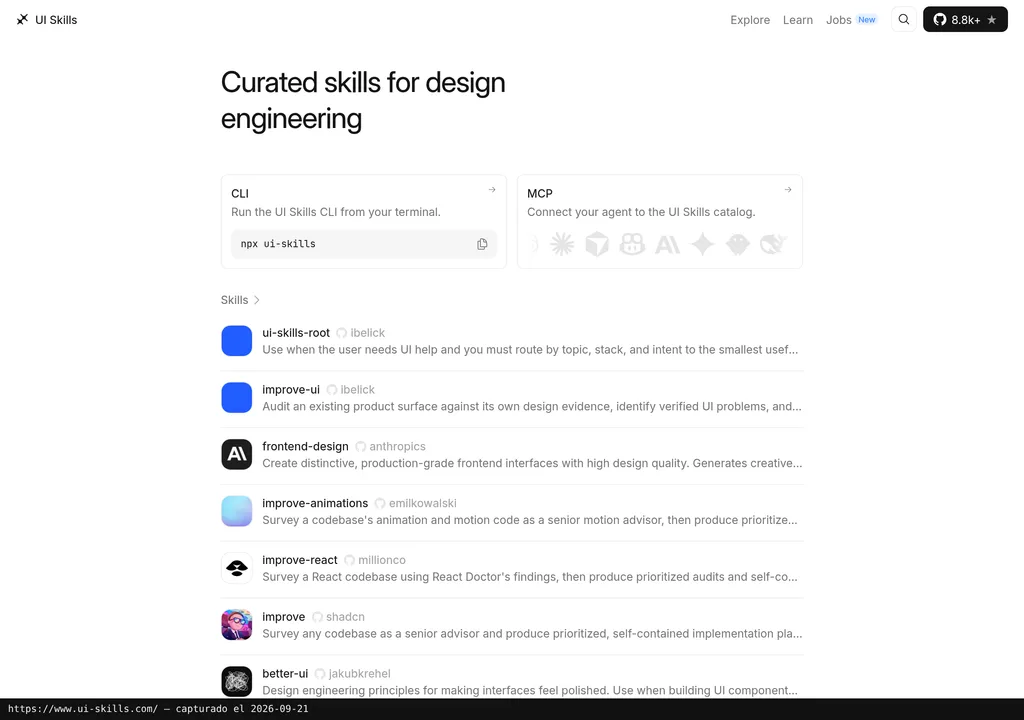
The site organises the catalogue by topic and shows agents including Claude Code, Cursor, Codex and GitHub Copilot. That confirms they appear as lookup paths within the project, but it does not prove that every skill has been tested end to end with all of them.
There is no documented universal uninstall command. Before deleting anything, check what the CLI downloaded and where it put it.
Copy this and paste it into your coding assistant after browsing the catalogue:
Browse https://ui-skills.com/ and find an accessibility skill suitable for this interface.
State who authored it and which tasks it covers according to its listing.
Before changing code, propose a scoped review and explain how to verify the result.
You need to be able to review the result. The assistant can propose changes, but checking the code and the browser remains the user's responsibility.
MCP for UI Skills de ibelick
UI Skills presents an MCP integration for querying its registry from an agent, according to the official README.
The MCP lets you query the catalogue using the list_skills and get_skill tools. That is what the README documents. It does not establish that the server applies fixes, runs accessibility tests or validates the result. It retrieves instructions. The serious work starts afterwards.
The exact connection depends on how each client manages MCP servers. Verified sources publish the project's endpoint, but not a reproducible test across every agent on the market. Selling it as a proven universal integration would be overselling it.
Using It in Real Marketing
A sensible use case is a landing page that already converts but has accumulated small issues: unnamed icons, disappearing focus, a keyboard-unfriendly form or animations that ignore reduced-motion preferences. Rebuilding it from scratch would be reckless. Ignoring it is hardly a brilliant idea either.
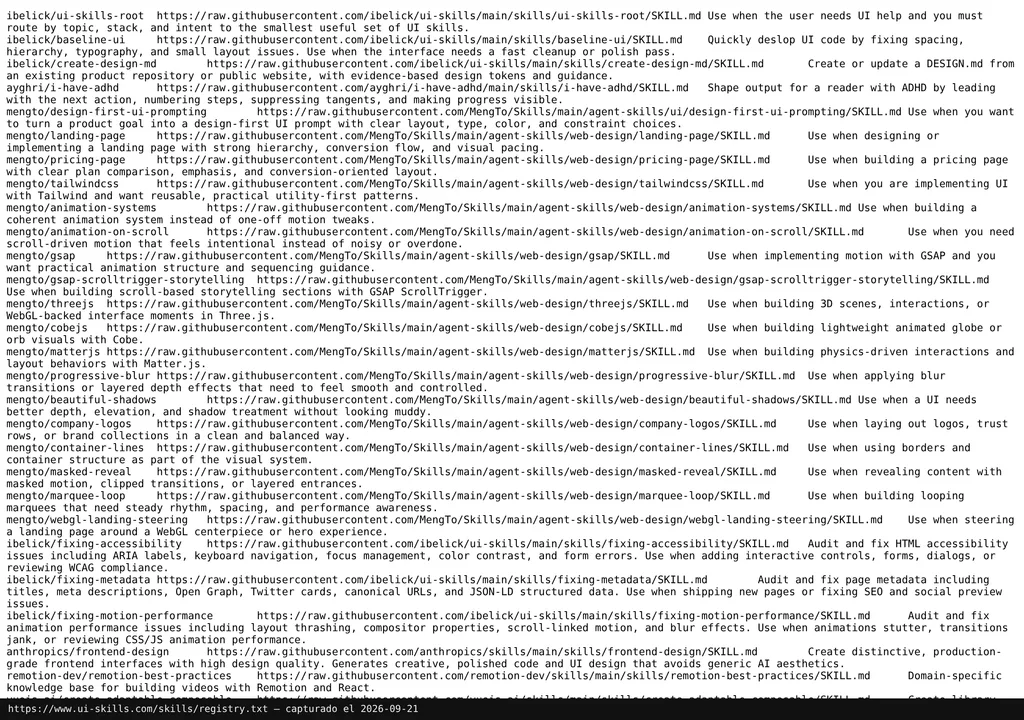
A small team could browse the catalogue, choose an accessibility resource whose listing fits that landing page and limit the review to one screen. First, it would need to check the skill's attribution and scope. Then, review every proposal in the code and test the actual behaviour.
No independent agent test is documented, and there is no evidence that one skill catches every issue in that example. It is a possible use case, not Dani's hands-on experience. The judgement still belongs to whoever reviews it. ALWAYS.
Anyone needing a broader review can complement this approach with general web design guidelines. And for an understanding of how these pieces fit into different assistants, the guide to skills for Claude Code, Codex and coding agents provides context that is not worth repeating here.
What They Do Not Tell You
The website and README describe a skills catalogue, a CLI and an MCP connection. They make no claim that UI Skills automatically certifies WCAG compliance. An agent saying “done” is still not an audit. Period.
Attribution also deserves attention. The project works simultaneously as its own repository, a directory, a CLI and an MCP registry for third-party skills. This review does not attribute resources linked to Emil, Anthropic or other creators to ibelick.
The code is released under the MIT licence. That does not make the assistant, APIs or any external service needed for the workflow free. No single price covering the full workflow has been verified.
The verified dossier provides no independent opinions or real user questions. So there are no quotes to pad things out with, nor a supposed community consensus to invent. The evidence available here comes from the project itself.
Verdict
UI Skills by ibelick is worth a look if you work with coding agents and want to find design engineering guidance without digging through half of GitHub. The CLI and MCP are documented, and the catalogue makes each resource's author visible.
I would not use it as a quality seal or as an excuse to approve changes without reading them. It is an instruction registry, not a guarantee that an interface has been done well. If the human stops supervising, that is where the value ends.