If your support team runs on WhatsApp, you know the drill: chat on the laptop, call on the phone, and every agent scrambling for their handset the moment a customer says "easier to just talk." Meta has just announced WhatsApp Web Calling, the feature that lets you make and receive voice and video calls directly from your browser, no phone needed. For businesses running customer support through WhatsApp, this isn't a cosmetic update. It's the missing piece.

TL;DR: The no-fluff summary
- Web Calling: voice and video calls from WhatsApp Web or desktop, no phone required. End-to-end encrypted.
- Call transfer: move an active call between devices or between agents without dropping the conversation.
- Noise suppression: active background noise filtering during calls.
- Availability: gradual global rollout. Meta has NOT confirmed a date for the EU or any specific market.
In this article
What Is WhatsApp Web Calling and How Does It Work?
WhatsApp Web Calling lets you start and receive voice and video calls from WhatsApp Web or the desktop app, without your phone anywhere in sight. Meta announced it in July 2026, alongside two other improvements: call transfer between devices and active noise suppression. All three keep end-to-end encryption intact.
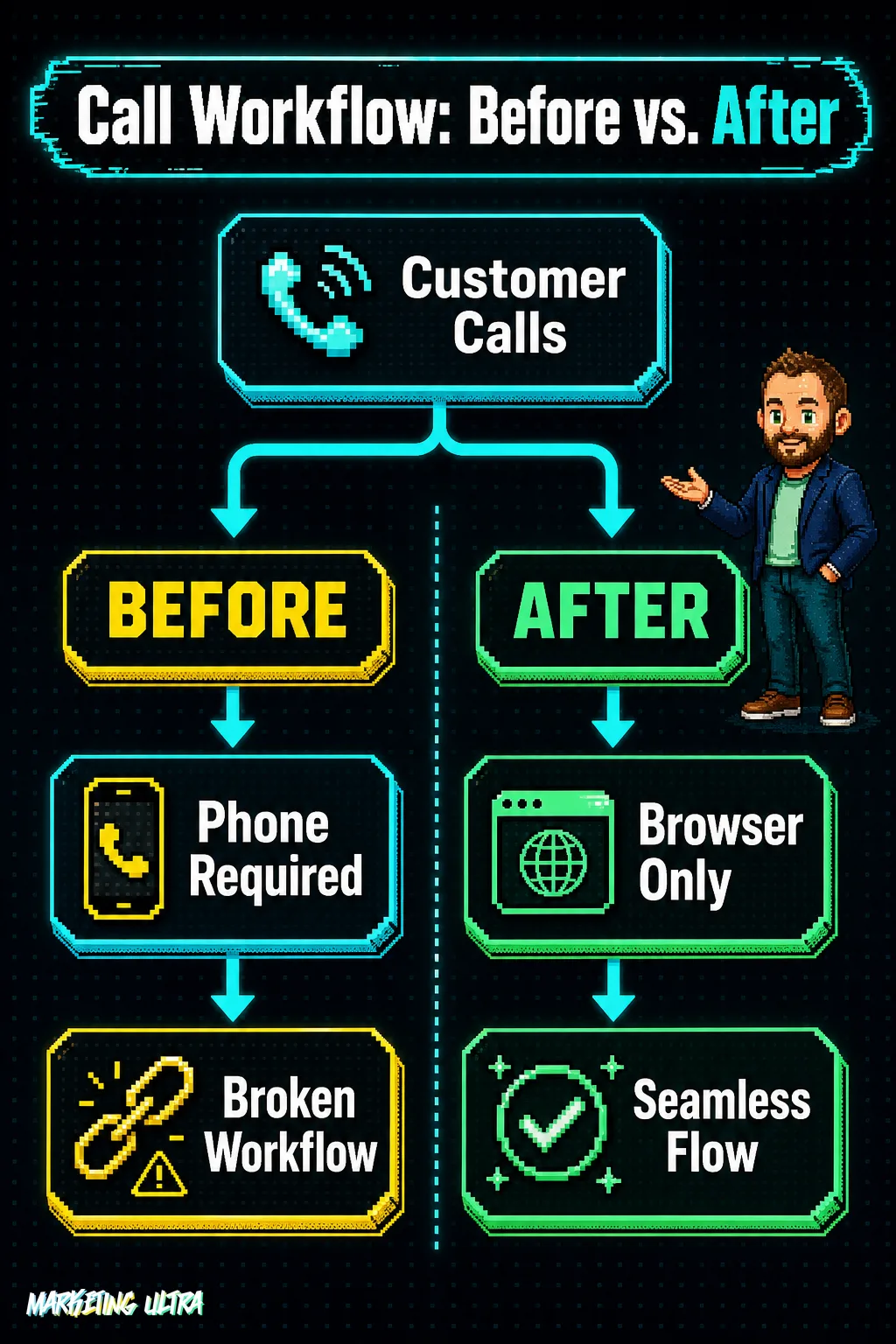
So what actually changes? Until now, if your team was managing WhatsApp Business from a desktop, calls still had to go through the phone. An agent juggling twenty chats from their computer had to pick up their handset for every single call. With a team of five, that's friction. With a team of twenty, it's a bottleneck that costs real money.
The mechanics are straightforward: open WhatsApp Web in your browser, log in, and call. No installs, no phone dependency. You stay at your desk and keep working while you talk.
Call Transfer and Noise Suppression: The Full Package
Web Calling gets the headlines, but the other two features matter more than they might seem.
Call transfer lets you move an active conversation from one device to another, or from one agent to another, without dropping the call. You're handling a call on your phone, sit down at your desk, and seamlessly shift it to your computer. Or a customer needs to speak with a different department and you transfer the call without making them hang up and redial. For support teams that escalate tickets or move between workstations (retail, warehouses, clinics), this kills the classic "hold on, let me call you back from the other line."
Noise suppression filters out ambient sound during calls. If your team works in an open-plan office or from home with kids in the background, call quality no longer depends on everyone owning a decent headset. It's not the feature that leads the press release, but it's one of those things you notice immediately when it works.
All three features maintain end-to-end encryption, as confirmed by Meta's official announcement. For industries where communication privacy isn't optional, healthcare, legal, finance, that's not a nice-to-have. It's the baseline.
Which Businesses Benefit Most from WhatsApp Web Calling?
Not everyone will notice the difference equally. The real impact depends on how you're already using WhatsApp and how many calls your team handles each day.
- E-commerce and service businesses with WhatsApp support: online stores, repair services, tradespeople. Teams that spend the day answering chats from a computer but were still switching to their phone for every call.
- Agencies managing client communications: if you handle multiple WhatsApp Business accounts from a desktop, especially if you're already using WhatsApp Business usernames to keep them separate, being able to call without touching your phone changes the entire workflow.
- Consultative sales teams: the jump from chat to voice is where deals close. Being able to make that move without leaving your desk, right when the customer is on the fence, changes the dynamic entirely.
If your day involves switching between chat and calls inside WhatsApp, the math is simple: one fewer device switch per interaction. Multiply that by twenty or thirty calls a day.
Who won't notice? Businesses using WhatsApp only for automated notifications or order confirmations. If your team doesn't make calls, this update doesn't move the needle.
Availability in the US, UK, and EU: What Meta Isn't Saying
Here's the fine print. And it's worth reading before you reorganize anything.

Status: Partial (gradual global rollout) · Phase: GA
Meta has not confirmed specific availability for the EU or any particular market. As of now, there is no guarantee that Web Calling is active on your account.
Is this kind of limbo typical? Very much so. Meta has followed the same playbook for years: global announcement, rollout to English-speaking markets first, then Europe weeks, sometimes months, later. Sometimes the delay is regulatory. Sometimes it's simply business priority. The result is always the same: uncertainty.
Check your WhatsApp Web every few days. When the feature arrives, you'll see the call icon in the interface. Until then, don't build your support operations on the assumption that you already have it.
What This Update Says (and Doesn't Say) About WhatsApp Business
Meta has been pushing WhatsApp Business as a customer service channel for years. Usernames, product catalogs, integrated payments in select markets. It all points the same direction: making WhatsApp THE platform where businesses talk to their customers.
Web Calling fits because it closes the gap that was pushing teams toward Zoom, Teams, or a plain old phone for calls. Now the entire customer journey, from first message to closing a deal over voice, can live inside WhatsApp.
But keep this in mind. WhatsApp still doesn't offer what a Zendesk or an Intercom gives you: response time metrics, automatic conversation routing, team performance reports. Meta hands you the channel, but quality control is still on you. I'd wager that's deliberate: the more your business depends on WhatsApp to talk to customers, the more attractive the paid WhatsApp Business API becomes, with its CRM integrations.
That's not necessarily a bad thing. But it's worth being clear-eyed about it.
Web Calling solves a real pain point, and any support team living inside WhatsApp should test it the moment it's available to them. Building your entire customer service operation on a platform you don't control, no proprietary metrics, no fallback plan, is a different conversation. Meta gives you the infrastructure. Meta also decides when the rules change.