LifeForge is a modular dashboard that brings together tasks, finances, a journal, notes, and a photo gallery in a single self-hosted web app. The pitch: replace half a dozen services with one installation you control, at zero cost. Sounds good. Then you read the fine print.

TL;DR: The No-Nonsense Summary
- Modular self-hosted dashboard: tasks, finances, journal, notes, and photos in a single app you install on your own server.
- Price: the software is free. The server to host it, is not.
- CC BY-NC-SA 4.0 license: prohibits commercial use. If your use is tied to commercial activity, the license rules it out.
- Documentation: minimal at time of review. The reviewed evidence includes no repository activity data or verifiable user opinions.
In this article
| What it is | A modular self-hosted dashboard that brings together tasks, finances, a journal, notes, and photos in a single web app with your data under your control. |
|---|---|
| Official website | https://docs.lifeforge.dev/ |
| Repository | repo |
| License | CC BY-NC-SA 4.0 |
| Price | free |
| Alternative to | Notion + YNAB + Google Photos (for those who prefer to self-host) |
Reviewed on 2026-10-08
This tool is included in these collections: Open Source Apps That Replace Paid Software
The Problem It Solves
Anyone who works with digital tools daily knows the drill: tasks in Notion, finances in YNAB, notes in yet another app, and photos scattered between Google Photos and an external hard drive. Each service with its own account, its own terms, and your data sitting on someone else's server.
LifeForge proposes consolidating all of that into a single web dashboard that you host yourself. Its ambition is clear: it aims to cover tasks, personal finances, a journal, notes, and a photo gallery. Calling it a task manager with notes sells it short.
Why hand my photos to Google or my journal to a startup that might shut down tomorrow? That is the problem LifeForge sets out to solve.
Getting Started
LifeForge is a web app you install on your own server. The GitHub repository contains the source code, and the official documentation is your starting point.

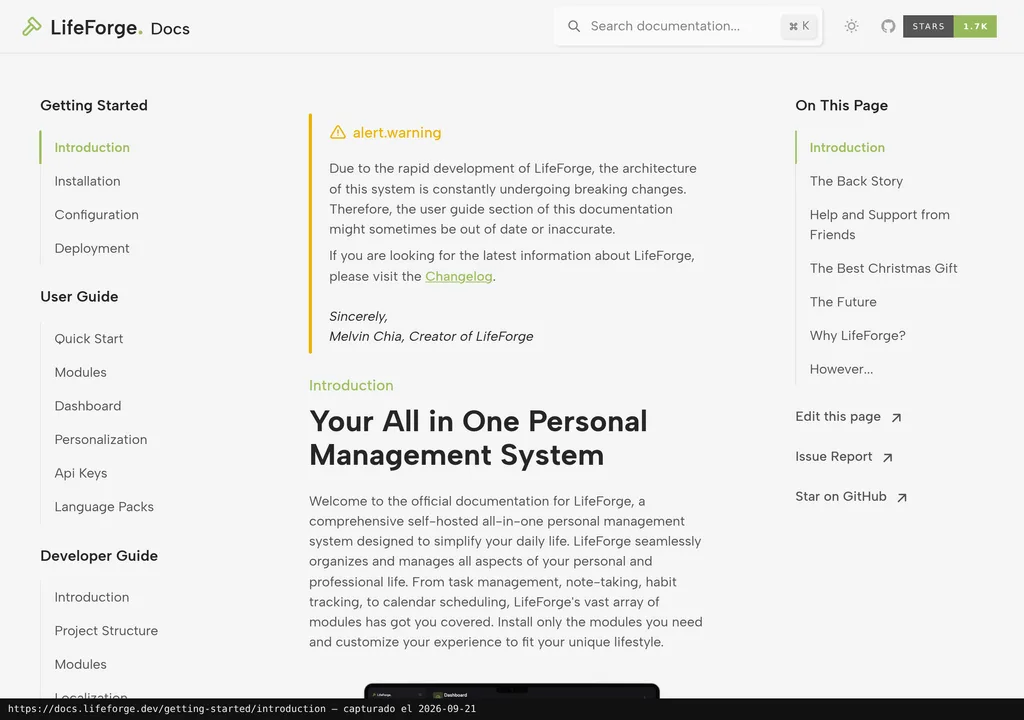
The material reviewed for this article only verifies the documentation homepage; it does not include sufficient instructions to reproduce an installation. Before deploying it, consult the current official documentation and verify the steps and requirements for your environment.
The reviewed evidence does not establish minimum server, VPS, or technical requirements. It also does not verify an official hosted service, so this review cannot document a supported setup beyond LifeForge's stated self-hosted model.
Copy this and paste it into Claude Code, Cursor, or your favourite code assistant:
Clone https://github.com/lifeforge-app/lifeforge, read the project documentation, deploy it locally, and show me which modules LifeForge includes out of the box.
Use this as a starting point. The assistant may help with installation, configuration, and testing; review each step and check the result in your environment.
Using It in Real Marketing
This is where things fall apart.
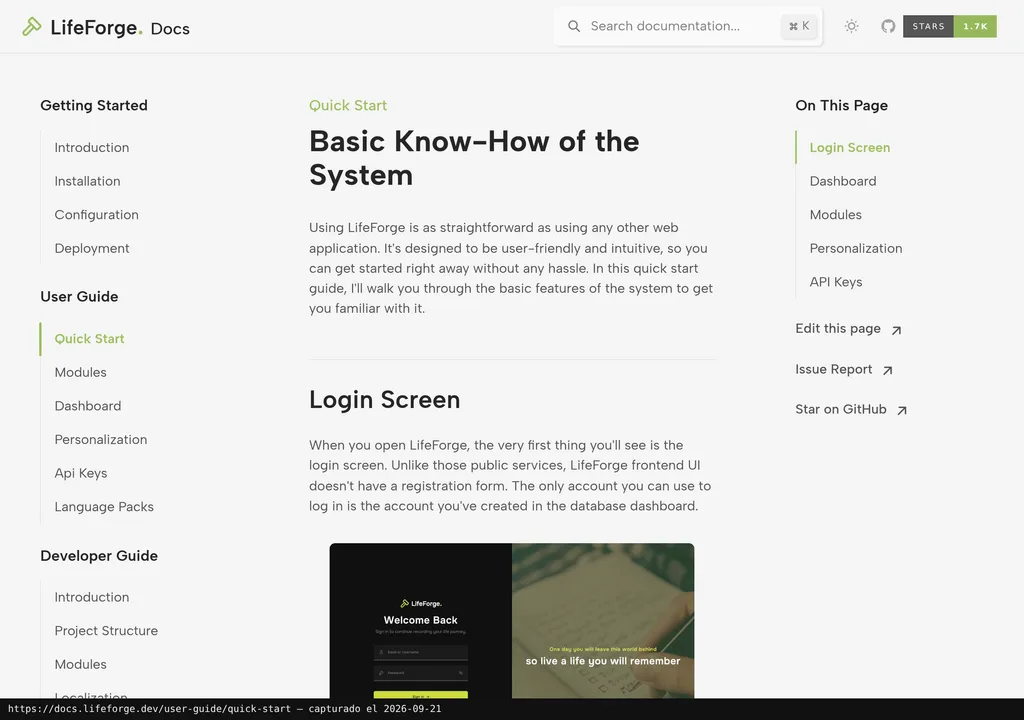
A small marketing team is looking for a unified dashboard for sprint tasks, campaign ideas, and expense tracking. LifeForge sounds perfect on paper.
Then you hit the license. LifeForge is distributed under CC BY-NC-SA 4.0. Two letters are the sticking point: NC. NonCommercial. You cannot use LifeForge for commercial purposes. A freelancer organising client projects or an agency managing internal tasks may fall on that side of the line, but the evidence reviewed does not establish that every professional context is automatically commercial.
Read the license before deploying LifeForge. The restriction is clear: if your use is tied to commercial activity, this tool is not for you.
What They Do Not Tell You
The license is another blind spot. The reviewed material identifies it as CC BY-NC-SA 4.0, but provides no primary licensing guidance to support broader claims about its suitability for software or how ShareAlike applies when adaptations are distributed. That is as far as this review can verify.
The evidence available for this review is too thin to judge the project's maturity. The documentation evidence supplied for this review contains only the title "LifeForge. Docs" and the tagline "Forging things together...", while the dossier provides no repository activity data or maintainer information. It also includes no verifiable user opinions or independent testing.
I am not saying LifeForge is bad. But I do not have the data to tell you it is good, either. And in self-hosted software, where you are trusting it with your data, that matters.
Alternatives
The quick-reference sheet lists LifeForge as an alternative to Notion + YNAB + Google Photos for readers who prefer self-hosting. The material reviewed does not support a detailed functional comparison or a comparison of their maturity, communities, or documentation.
If self-hosting is your priority, this review cannot point to a verified drop-in alternative for each category. Compare the license, documentation, and available support before replacing the separate services with another self-hosted setup.
Verdict
The appeal is obvious: one dashboard to rule them all, no monthly fee, and your data under your own roof.
Today, there is not enough evidence for a confident recommendation. The stated CC BY-NC-SA 4.0 terms prohibit commercial use, which rules out professional uses tied to commercial activity, but not necessarily every professional context. The documentation also falls short of what a proper evaluation needs. The reviewed material did not verify community support, maintainer details, or repository activity.
For weekend tinkering at home? Give it a look, it may improve. For an agency, a freelancer, or a marketing team? Today, no.