Jellyfin lets you organize and play your own media library without paying a license fee. Movies, series, music, and videos you own, served from hardware you control. The independence is real, and so is the server maintenance.
- Free software, with your own server and client apps for multiple devices.
- Hardware acceleration is available without unlocking a paid feature, but requires compatible hardware and configuration.
- It does not include a movie catalog, nor does it replace the cost of drives, electricity, and backups.
- For an internal video library it can work. For campaign approvals and creative versioning, you need more features.
In this article
This tool is part of the living roundup Open source apps that replace paid software →
What backs this review
For the September 11, 2026 update we reviewed the playback and hardware documentation, an English-language video, and original user comments. We kept previously useful screenshots. We did not run a new benchmark or electricity consumption comparison.
We also removed figures presented as general market share and a fixed Plex price that does not hold up as a permanent comparison. Popularity in a self-hosting survey does not represent the whole market.
What it does well
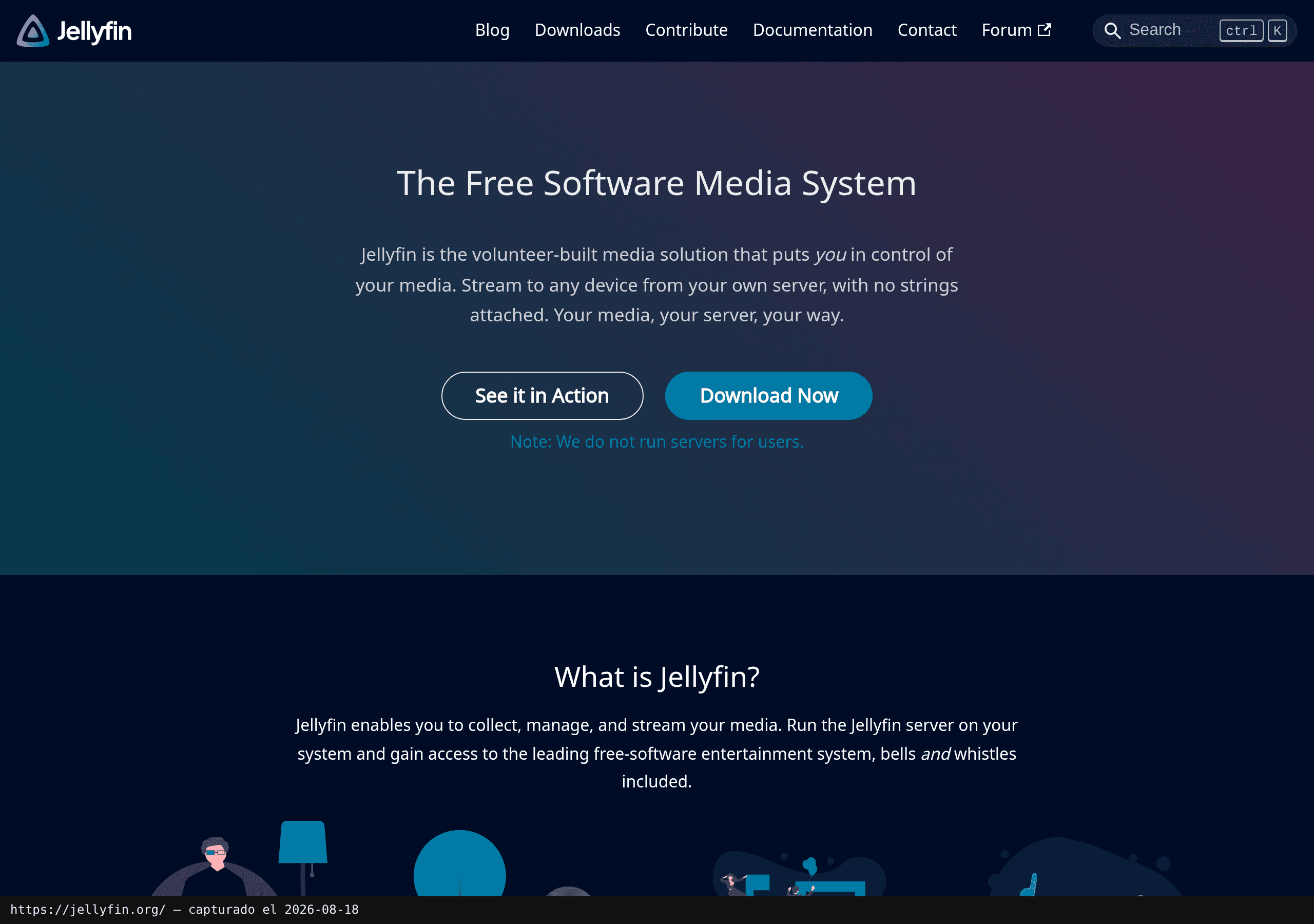
The server brings your files together, organizes libraries, and lets you access them from clients. The official project is published under a GPL-2.0 license and keeps the platform actively developed. The real benefit is deciding where your files live and how the service is managed.
That matters most when you already have a collection. If you are starting from scratch and want a ready-made catalog to pick a movie from, you are comparing different needs altogether. Jellyfin plays what you bring to it, installing it does not bring a catalog with it.
What actually determines whether video runs smoothly
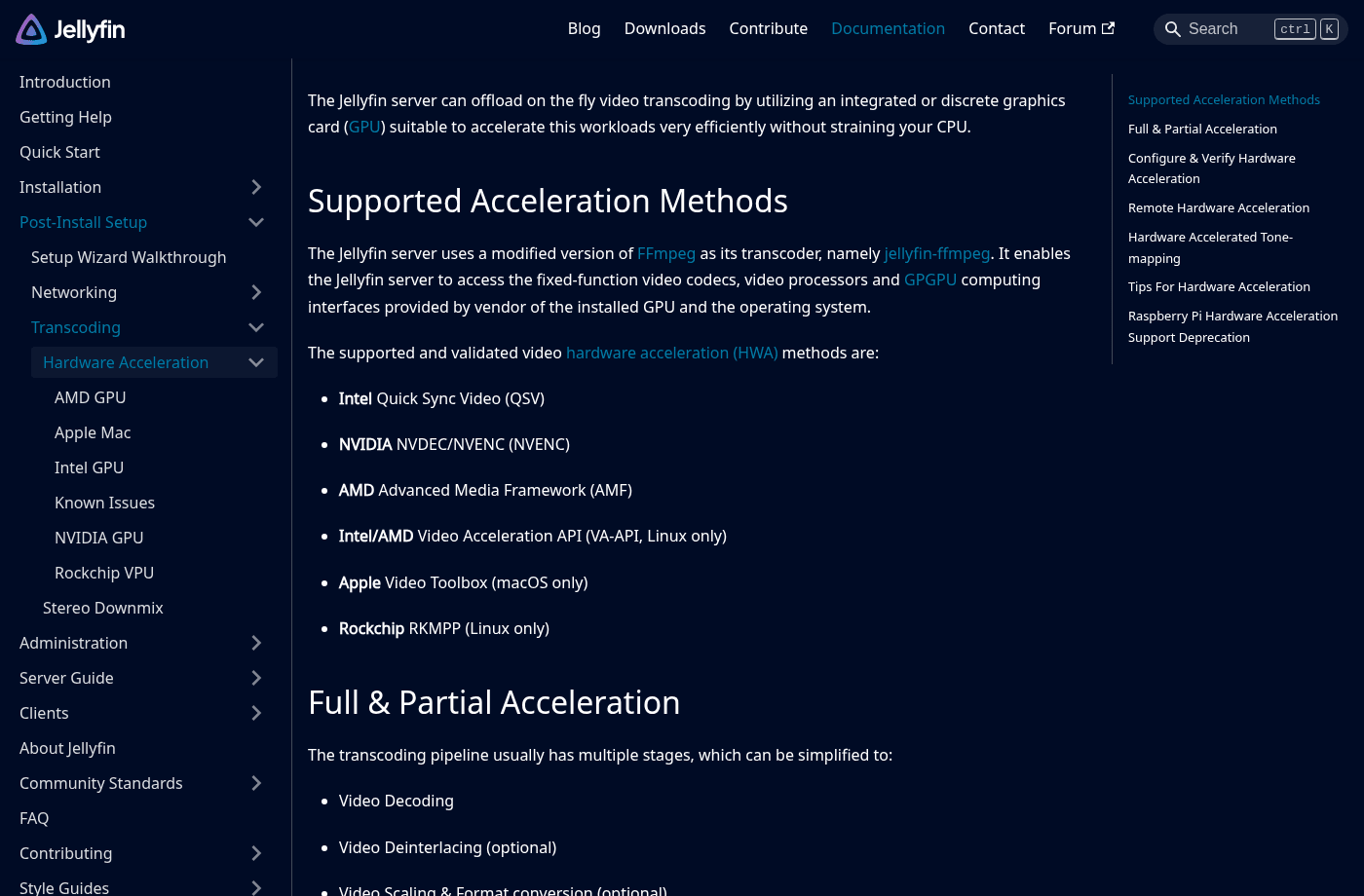
There is a difference between playing a compatible file directly and converting it on the fly during playback. Conversion can be triggered by the codec, subtitles, or the client's capabilities. The right hardware helps, but having a GPU does not prove Jellyfin is actually using it.
The official acceleration documentation distinguishes between technologies, supported systems, and processing stages. "Includes transcoding" does not mean "any machine can handle any 4K HDR video."
To start, pick a known file and check the playback information in the client or server dashboard. Look for whether it is direct play or transcoding, what is triggering it, and whether subtitles change the outcome. Run the same test from a TV and from a browser, they do not necessarily behave the same.
A video walkthrough
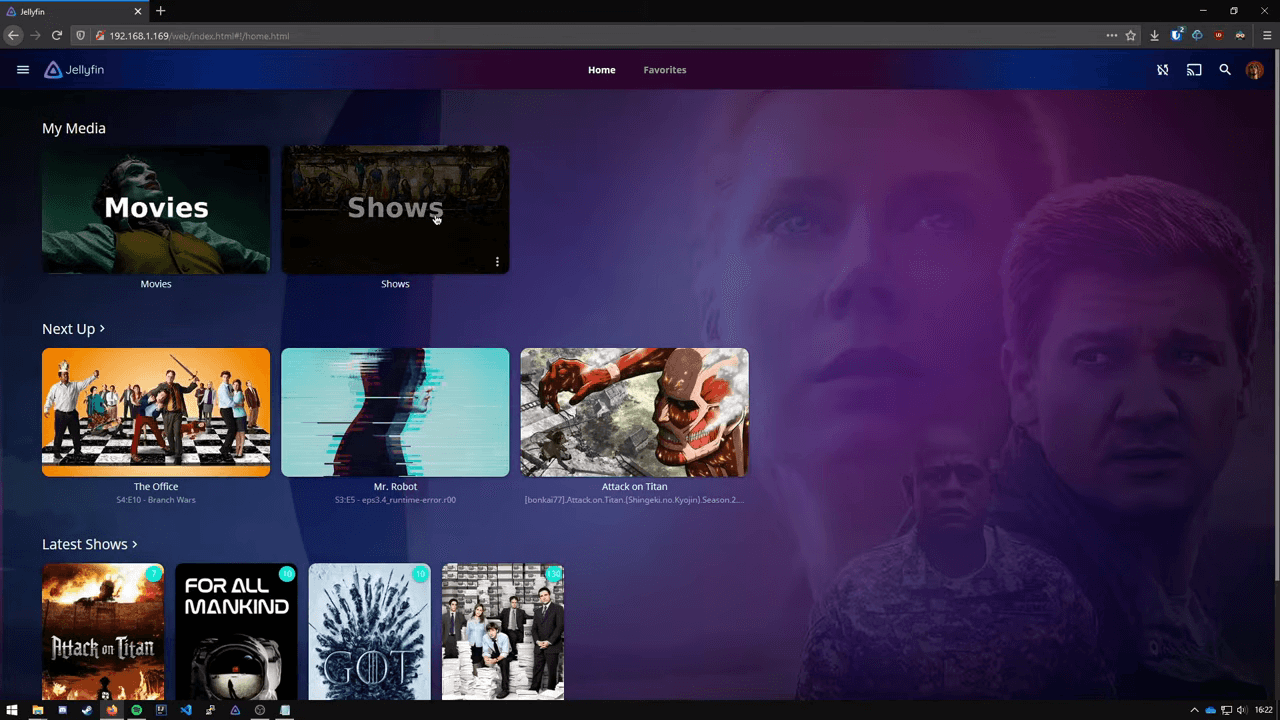
The video by Yzzo gives a good feel for the experience and the steps of a full installation. We use it as an external demonstration. For commands and compatibility, always cross-reference the video's version against the current documentation.
User takes: owning your library takes real work
«It's for people who possess a media library»
theboyrossy, Reddit
This responds to someone comparing the cost against streaming platforms. The distinction is critical: Jellyfin organizes a library you own. It makes no promise that acquiring and maintaining all that content will end up being cheaper.
«Setting up transcoding can be a pain. But is 100% worth it.»
CapitalEmu764, Reddit
In a follow-up comment, they mention running Linux, Docker, and Intel Quick Sync. It is one concrete setup and a recommendation to configure transcoding properly, not a performance guarantee for every machine.
«Getting devices that support native play is even better»
Then-Explanation-778, same thread
The reply points to another path: choosing a client that can play your files natively. Before buying a GPU, find out whether the problem is the file format or the playback device.
AyeWhy makes the case in following naming and folder conventions. It is the least glamorous piece of advice and one of the most actionable: a poorly organized library creates work before you ever press Play.
Test before moving your full library
| What to test | How to do it |
|---|---|
| File recognition | A handful of movies, series, or videos with well-defined names |
| Playback | The clients and formats you will actually use |
| Users | Two test profiles with different libraries and permissions |
| Recovery | A configuration backup and a verified restore |
| Remote access | Only after sorting out secure access, limits, and maintenance |
Start on your local network with sample files. If you only need to read the media folder, mount that access without write permissions. The server needs to write its configuration and cache, it does not need to be able to delete your originals. And do not open a port to the internet as your first tutorial step.
Is it right for an agency?
It can work as a video library for reviewing finished pieces or internal materials. I would not assume it replaces a video approval system, version control, frame-level commenting, or rights management. For that kind of work, write down your requirements first and check which ones it actually covers.
Against Plex or Emby, compare the clients your team uses, the maintenance involved, and the specific features you need. Avoid deciding on price alone: factor in drives, backups, electricity, and time. And avoid caricaturing the alternative, offline behavior depends on each product's configuration.
My verdict
Jellyfin earns its place because it lets you control a daily function without paying a license fee. I would choose it for that independence and for how it performs with MY clients and files. Not because of some supposed market share.
If direct play works and you have backups sorted, it can become a quiet tool you use without thinking about it. If something stalls, start by identifying the format, the client, and the reason for transcoding. Buying hardware blind ends up costing considerably more than nothing.