A free video editor, written in Rust, that bundles automatic transcription, video generation, and lip sync. Everything running on your machine. No cloud. No subscription. Shrimply wants to be the open-source editor that has it all. What the hype leaves out: it is in pre-alpha. And pre-alpha here means random crashes, projects that corrupt with no way back, and surprises no one has documented.

TL;DR: The No-Nonsense Summary
- Non-linear open-source editor: written in Rust, GPL-3.0 license, with complex timeline, 3D scenes, and audio processing.
- Local AI: automatic transcription, text-to-speech, video generation, and lip sync without sending data to any external server.
- Agent-based automation: documented MCP integration to control the editor from an LLM. One of a kind.
- Pre-alpha, no safety net: the project itself warns of crashes, irreversible project loss, and resource leaks. Not production software.
In this article
| What it is | Open-source video editor in Rust with keyframes, 3D scenes, audio processing, lip sync, and an optional AI server for transcription and video generation. |
|---|---|
| Official website | https://shrimply.pages.dev/ |
| Repository | repo |
| License | GPL-3.0-or-later |
| Price | open source |
| Alternative to | Kdenlive, Shotcut, or other desktop video editors |
| Platforms | Cross-platform; Linux via Flatpak |
| Integrations | MCP (editor automation via LLMs), Blender, Kdenlive, Manim |
| Language | Translatable interface; documentation in English |
Reviewed on 2026-09-21
This tool is part of the living roundup Open-Source Apps That Replace Paid Software →
The Problem It Solves
Editing video without paying for licenses is nothing new. Kdenlive and Shotcut have been filling that gap reliably for years. The problem shows up when you need more than cutting and pasting clips.
Automatic transcription for subtitles. Text to speech. 3D camera tracking. AI video generation. Until now, each of those features required a separate tool, most of them paid, and almost all of them sending your files to an external server to process them.
Shrimply tries to pack all of that into a single editor that runs on your machine. Shrimply is an open-source video editor, written in Rust, that integrates artificial intelligence features (transcription, video generation, text-to-speech, lip sync) running locally through its own compute server.
For a marketing team that produces video with client material (campaigns, testimonials, product), having AI process everything without leaving your hard drive has real value: privacy by design. Wanting to be everything does not mean it is ready.
Getting Started
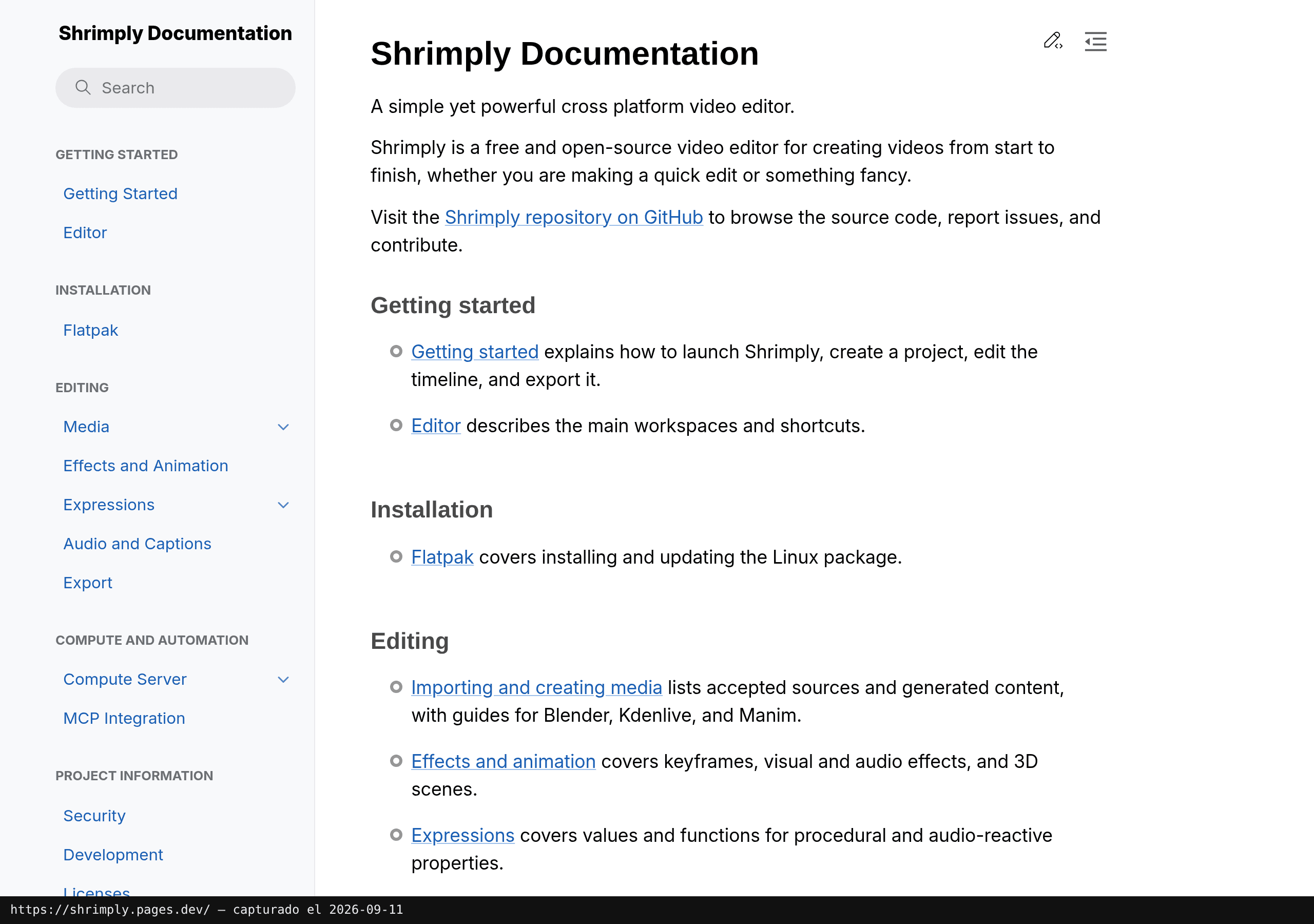
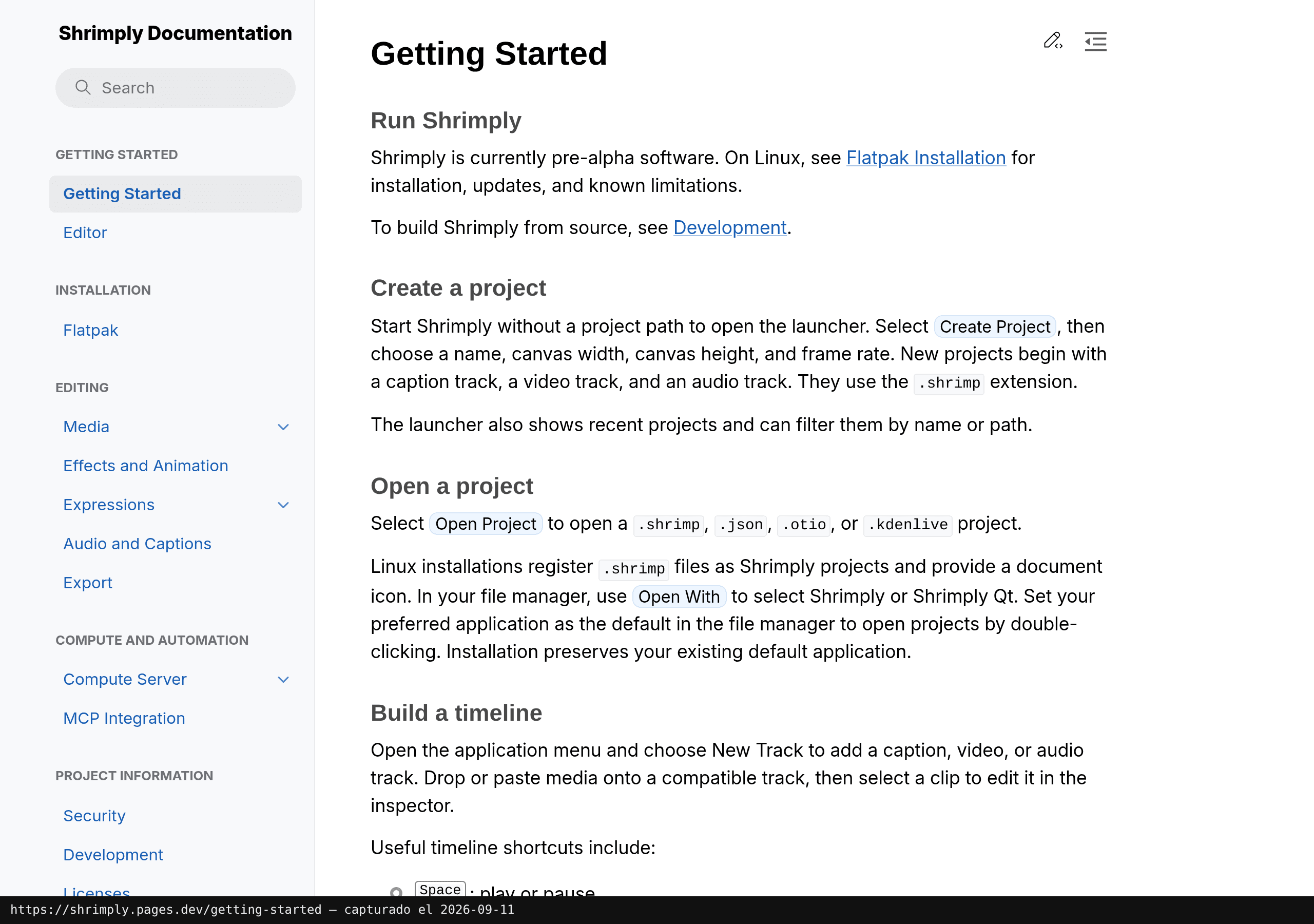
Shrimply installs on Linux via Flatpak. The project describes itself as cross-platform, but as of today the official documentation only details that path. The Getting Started section covers installation and first steps in the editor.
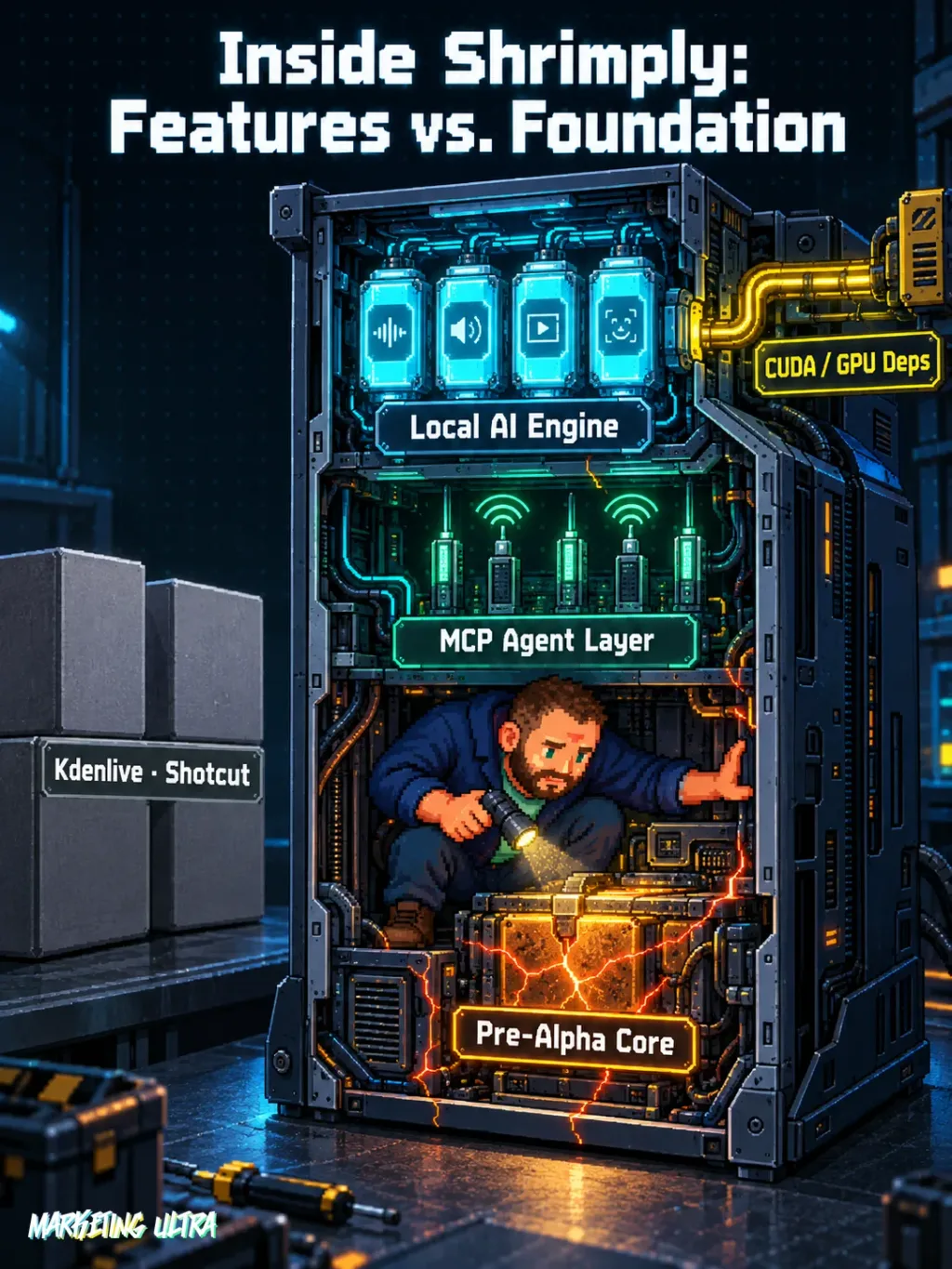
The AI features (transcription, text-to-speech, video generation, 3D tracking) depend on a Python compute server that runs separately. This is not “install and go”: you need to configure that server, and if you want GPU acceleration, you are looking at CUDA and NVIDIA drivers.
The full tech stack: GTK 4 and libadwaita for the interface, Skia and wgpu for rendering, FFmpeg and PipeWire for audio and video, Slang and CUDA for GPU computing. For anyone coming from Blender, Kdenlive, or Manim, there are documented importers.
Shrimply includes MCP integration. That means you can automate the editor from a language model, as I explain in the guide to AI agents applied to marketing. An agent controlling your timeline.
Sounds like science fiction. It is already documented.
Copy this and paste it into Claude Code, Cursor, or your favorite code assistant:
Clone Shrimply from https://github.com/soirihiroka/shrimply and install it following the guide at https://shrimply.pages.dev/getting-started.html. Configure the Python compute server for local AI and test automatic transcription with a 30-second video.
No coding knowledge required. The assistant handles installation, configuration, and testing.
Using It in Real Marketing
The MCP integration turns Shrimply into something different from “just another editor.” A code agent could, in theory, receive a raw video, trigger automatic transcription, generate subtitles, and export the result without any manual intervention.
For an agency producing dozens of short videos a month (reels, testimonials, paid media clips), automating subtitling and transcription would save hours. And doing it locally means client material never leaves your infrastructure. In healthcare, legal, or finance, client footage on someone else’s servers is a non-starter.
Fair warning: this is a scenario, not a tested workflow. No one at Marketing Ultra has put Shrimply into production, and with good reason. The project's own README warns of “irreversible project file breakage.” Translation: you can lose your project with no way to recover it.
What no review is going to tell you: the combination of video editor, local AI, and MCP protocol does not exist in ANY other open-source editor right now. Kdenlive and Shotcut don't have it, and Blender's video editing doesn't even come close. Whoever stabilizes that combination first will own a market that does not yet have a name. I would bet that if the project survives and stabilizes over the next few months, it is going to move a lot in content production. But betting and recommending are very different things.
What They Do Not Tell You
Shrimply is in pre-alpha. Not “early beta with caveats.” Pre-alpha. The README lists what you can expect, without sugarcoating:
- Random crashes and resource leaks.
- Performance regressions without warning.
- Irreversible breakage of project files.
- Undocumented footguns (their words, and they make no effort to soften it).
The AI features need the Python compute server and, to get real value out of them, an NVIDIA GPU with CUDA support. Here comes the fine print: the CUDA SDK, OptiX, and NVIDIA’s video codecs carry separate proprietary licenses. “Open source” refers to the editor itself; the GPU dependencies for AI are not.
Community signals are scarce, but a few exist: the repository carries a Trendshift badge (it has appeared as trending on GitHub in the Rust category) and a star graph in the README itself. Early traction, yes. Beyond that, I have found no user opinions and not a single forum thread. It could be a rocket lifting off in silence or a project that disappears in six months.
Alternatives
If stability for production is what you need, the established options are clear.
Kdenlive is the open-source benchmark for non-linear video editing: mature, stable, with a large community and years of development behind it. No built-in AI, but it works without drama. Shotcut covers similar ground with a friendlier interface. Both are genuinely cross-platform with real support, not just promised.
Neither offers local AI or agent-based automation. That is the gap Shrimply is trying to fill. The question is whether it gets there before Kdenlive or Shotcut copy the idea.
Verdict
No other open-source editor combines local AI with agent automation. That part is not hype.
But vision does not edit videos. The reality is a pre-alpha that can break your projects, with a stack of proprietary dependencies for its most interesting features and no visible community behind it.
Does it deserve attention? Yes. Does it deserve your next client project? Absolutely not.
Put it on the watch list. If in six months there is a stable beta with the MCP integration actually working, we are talking about something different entirely.