Shopify has just rolled out a feature that uses artificial intelligence to tell you how to configure your checkout fields. AI deciding what data to ask your customers before they pay. Sounds like fine-tuned optimization. But when you dig a little deeper, it's not entirely clear who the main beneficiary of those "recommendations" really is.

TL;DR: The no-fluff summary
- AI recommendations in checkout: Shopify analyzes your current setup and suggests which fields to enable, disable, or make required, all in the name of collecting more customer data.
- More data, not less friction: the suggestions prioritize mandatory name, email as the sole contact method, and optional phone number. More fields, more fuel for marketing.
- New stores, default configuration: if you just opened your Shopify store, you're already running the configuration the AI recommends.
- Spain and EU: unconfirmed: the rollout is described as "global" but no regional breakdown is provided. We cannot confirm availability from Spain or the EU.
What does Shopify's checkout AI actually recommend?
Shopify's new AI checkout recommendation feature analyzes how you've configured the customer information fields in your payment flow and suggests specific changes. The official Shopify changelog announced the general availability launch on August 13, 2026.
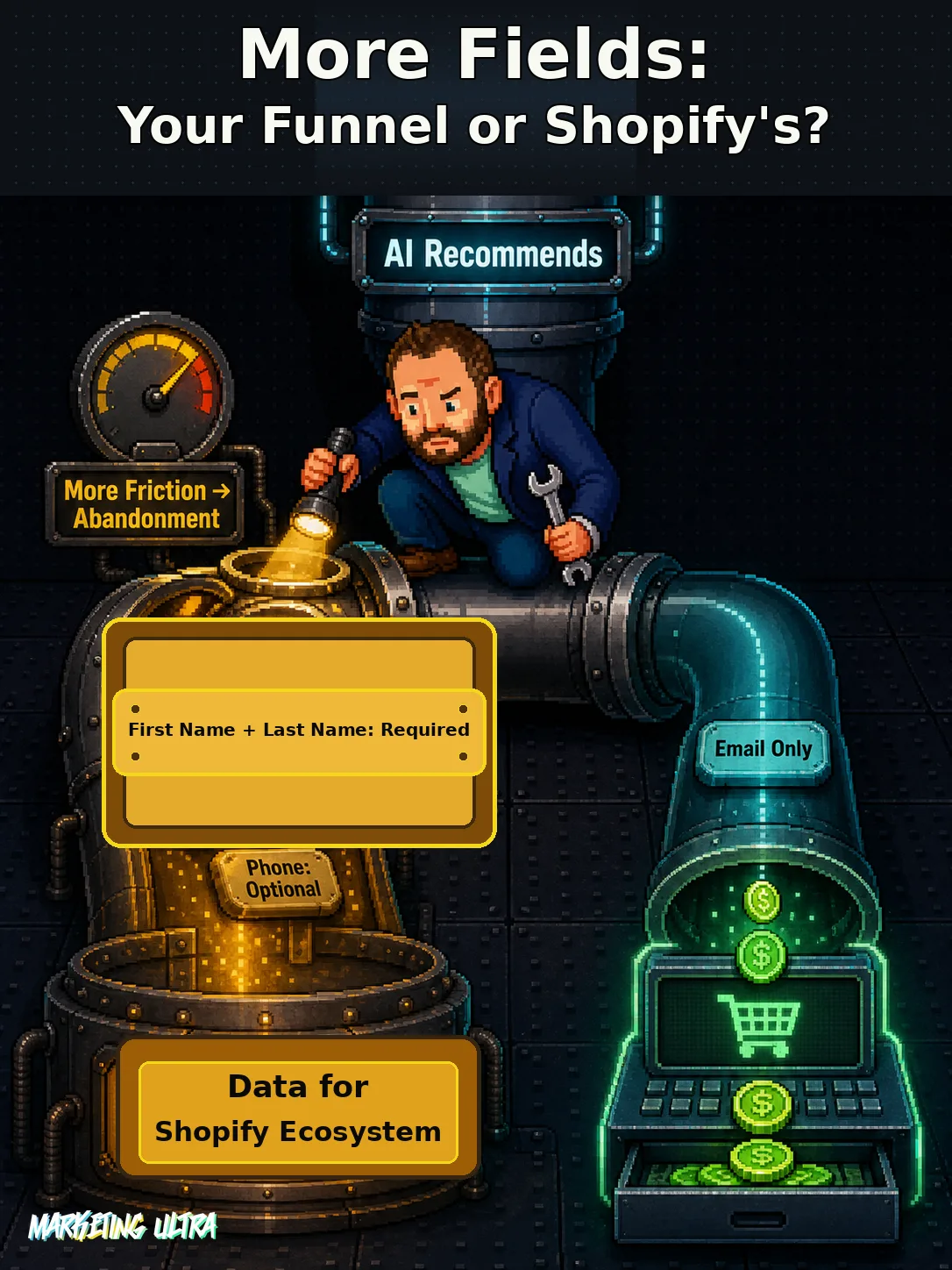
The AI's recommendations follow a consistent pattern:
- Set the customer contact method to "email only."
- Make first name and last name required fields.
- Collect the phone number as an optional field in the shipping address.
The official justification: having more complete customer data so you can re-engage them and personalize your marketing. New stores created on Shopify already ship with this configuration applied by default.
There's a detail the documentation leaves hanging. Shopify says the feature is available to "eligible stores," but never defines what that means. No specific plan, no minimum volume, no account age requirement. If you go looking for the exact criteria, you won't find them.
How do you activate the recommendations from the dashboard?
The recommendations appear directly on the checkout settings page inside the Shopify admin panel. You review the suggestions, apply the ones that make sense for your business, and dismiss the rest. No extra steps involved.
Availability (Spain/EU: unknown · Phase: GA)
The official announcement describes a global rollout but provides no regional breakdown and does not confirm access from Spain or the European Economic Area. As of August 2026, we cannot confirm this feature is live for stores operating from Spain.
Your current configuration doesn't change unless you change it yourself. There's no forced automation: if you don't touch anything, your checkout stays exactly as it is. Credit where it's due, Shopify isn't reaching into your payment flow without your permission. It suggests. You decide.
More data or more conversions: the trade-off Shopify sidesteps
There's a catch here. A contradiction the official documentation glosses over without missing a beat.

Conversion rate optimization has been saying the same thing for years: fewer checkout fields mean less friction, which means more sales. Every additional field you ask for is an opportunity for the buyer to abandon their cart. The data backs it up, and so does common sense.
So what does Shopify's AI recommend? More required fields. First name: required. Last name: required. Phone number: optional, but it's there, asking for one more piece of data.
The reason is transparent if you read it without rose-tinted glasses: more data for your CRM. More data for Shopify's audiences. More data for Shop Campaigns and the entire advertising infrastructure Shopify has been building over the past few years.
I'm not saying that's bad. I'm saying it's not neutral.
When a platform "AI-recommends" that you ask your customers for more information, ask yourself who benefits most from that data. You, who might send a recovery email? Or Shopify, feeding its ecosystem with every field your customer fills in?
In a recent video on Shopify and AI-driven commerce, Adrián Garzón raised a question that lands hard here: "What exactly are we letting Shopify manage for us?" Right. Where do you draw the line between "it helps me" and "it decides for me"?
The best-converting Shopify stores don't blindly follow what the algorithm says. They test every change against their own funnel. With their data. With their customers.
Shopify wants you to delegate, you decide how much
This launch doesn't stand alone. It's part of a broader push: Shopify unveiled over 150 AI-powered features in its Spring Edition, including Agentic Commerce and tools that automate everything from product creation to audience segmentation.
Shopify wants you to hand over more decisions to its system. And to be fair, some of those calls it gets right. The checkout field recommendations aren't absurd. For a brand-new store with no historical data, they're a reasonable starting point.
The problem surfaces when you stop questioning. When you apply the suggestions because "the AI said so" without stopping to ask whether your customer actually wants to hand over their phone number at checkout, or whether that's the moment they close the tab on you.
If you've been running your store for a while and you have conversion history, treat these recommendations for what they are: the opinion of an algorithm trained on the average of millions of stores that look nothing like yours. Useful to get started. Not enough to scale.