
Public APIs feels like a supermarket for free APIs: endless aisles, categories galore, and the occasional tin whose expiry date deserves a second look. It is an open-source directory for discovering data sources, not a guarantee you can plug them into production and forget about them.

TL;DR: The No-Nonsense Summary
- What it is: a collaborative repository with hundreds of public APIs organised by category.
- What it offers: lets you quickly filter by authentication, HTTPS, and CORS support.
- Cost: the repository uses an MIT licence, but each API has its own terms and potential costs.
- The decisive limitation: the list does not consistently document quotas, stability, or production readiness.
In this article
| What it is | A collaborative directory with hundreds of free public APIs grouped by category, ideal for developers looking for data sources for their projects. |
|---|---|
| Official website | https://github.com/public-apis/public-apis |
| Repository | repo |
| Licence | MIT |
| Price | open source |
| Alternative to | manually searching Google for public APIs |
| GitHub stars | 483,796 |
| Launch year | 2016 |
| Maintained by | public-apis (organisation) |
Reviewed on 2026-09-27
This tool is part of the living roundup Open-source apps that replace paid software →
The Problem It Solves
Public APIs brings together public APIs covering animals, art, business, currencies, security, programming, and plenty more categories. Each entry may state its authentication type, whether it works over HTTPS, and its declared CORS support.

No capture evidence was supplied for the diagram above, so do not treat it as proof of a tested integration. The alternative is manually searching Google for public APIs: opening results, dodging dead roundups, and wrestling with documentation that bears no resemblance from one provider to the next. Public APIs saves you that first round of filtering.
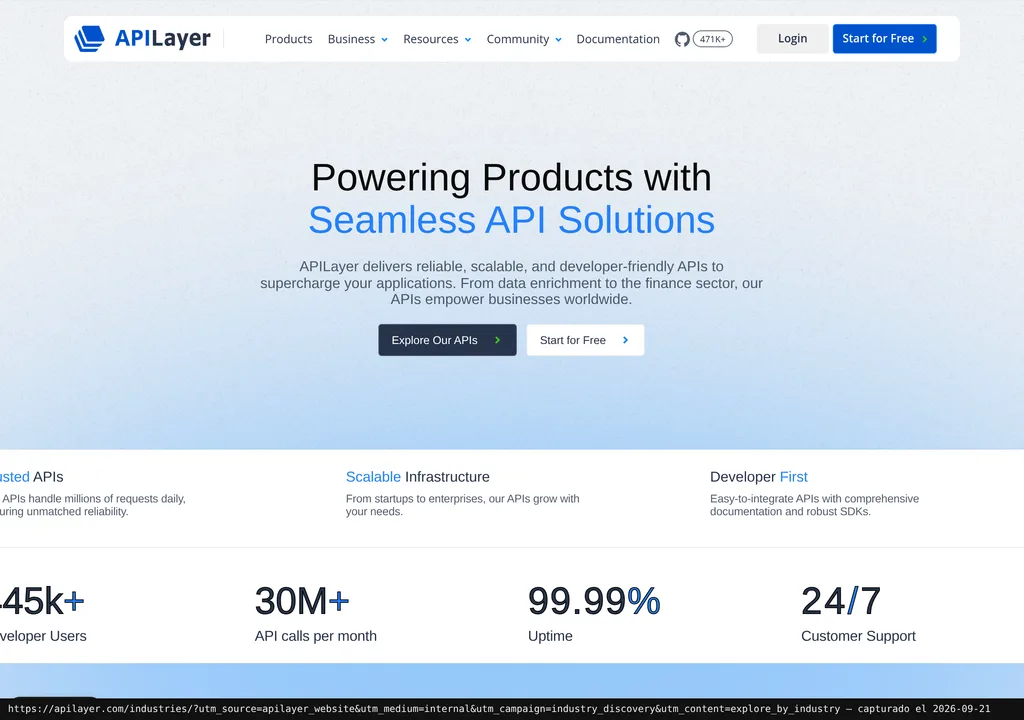
Watch the name, though. The community repository and the commercial offering from APILayer are presented together on the homepage, but they are not the same thing. The former is an MIT-licensed directory. The latter is a platform with more than 40 APIs that advertises an account, dashboard, and shared key.
Getting Started
There is nothing to install to get started. Open the repository, choose a category, and follow the link to the API that interests you. If you want to search locally or review changes through GitHub, you can clone the project.
There is no single requirement for every API listed. Some require no authentication, others need an API key, and others use OAuth. The free account and shared key described in the documentation apply to the APILayer suite, not to the directory’s hundreds of external providers.
APILayer products do have a clear path: create an account, get the key, and consult the product documentation. It also offers an official Postman collection to start making requests.
Copy this and paste it into Claude Code, Cursor, or your favourite coding assistant:
Clone https://github.com/public-apis/public-apis and review the Public APIs README.
Choose an API marked as requiring no authentication, with HTTPS and CORS, then verify those details in its official documentation.
Create a minimal request following that documentation and show the response, any error, and steps to delete the files created.
You do not need to know how to code. The assistant handles installation, configuration, and testing.
Using It in Real Marketing
For a marketing team, the sensible starting point is a small, testable need: finding an analytics source, validating email addresses, checking public holidays, or studying search results. The repository helps you build an initial shortlist.
There is no hands-on test by Dani and no technical test was run for this review. Pretending a specific integration worked would therefore be smoke and mirrors. Pick two or three candidates, review their official documentation, and test them with non-critical data before putting them into a real workflow.
Discovery is where this list earns its keep. Selection is where your own audit starts. A table can say “HTTPS: yes” and still tell you nothing about request limits, service continuity, data handling, or version changes. The list gets you to the door. It does not do the serious work for you.
What They Do Not Tell You
The MIT licence covers the repository. It does not magically make every linked API free or suitable for commercial use. Each provider keeps its own terms, authentication, and limits, so there is no single price in euros.
Nor was an official dated conversion or verified pricing for specific services provided. Publishing amounts here would simply dress uncertainty up with numbers. Before using an API, check its current price, billing frequency, billed unit, and tax scope on the provider’s website.
The table also does not consistently provide request quotas. That matters because an API that is excellent for a demo may fall short once traffic, automations, or campaigns arrive. And a CORS response marked “Unknown” is hardly an invitation to commit to it.
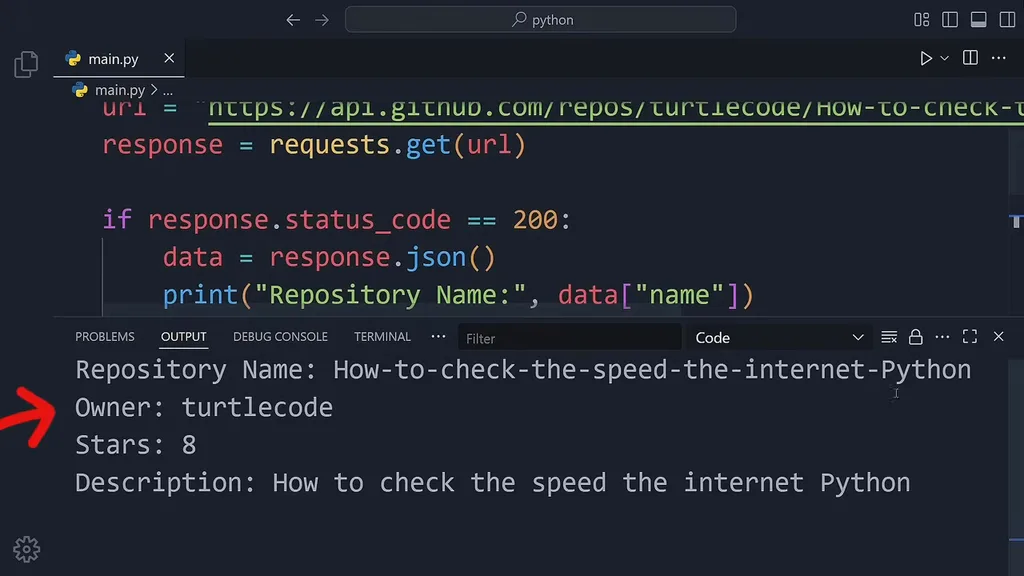
The review includes a frame from an external Turtle Code video. That material is no substitute for testing a specific integration yourself. What if you want to remove an integration? There is no common procedure: you will need to delete credentials, variables, and code according to the API you chose.
What People Say
There are three original comments on Hacker News. One describes a specific use case: using the Rijksmuseum API to create a website that displays a random work from its collection with every click. The other two hit the weak spot: be careful about production stability, and watch request limits, which the list does not detail.
"Nice list. I looked at a few now. But since these are public/free APIs, I would be careful using them into production work, mainly for stability/scale reasons. Good for research/Prototype etc, IMO." zerop on HN
"Would be nice to see a column with request limit, if any." butz on HN
"Nice list! I’ve used one of the art APIs listed, the Rijksmuseum one, to built a website which will show you a random object from their massive collection on each button click: https://randomrijks.com" stefanvdw1 on HN
Alternatives
The verified alternative is manually searching Google for public APIs. It takes more work, but it can lead you straight to up-to-date documentation and help you find providers that have not yet appeared in the repository.
No further alternatives are substantiated. ChartDB and Graphic Walker appear in the same editorial roundup category, but they solve different problems. Presenting them as substitutes would be misleading.
Verdict
I recommend Public APIs for exploring options, preparing prototypes, and cutting initial search time. But a star does not sign a service-level agreement.
Taking one into production? Go to the provider and check authentication, quotas, cost, stability, and terms. Public APIs is a huge, useful map. A substitute for proper due diligence? Not even close.